A Hyundai-specific scanner gives a Tucson Hybrid owner a way to keep the car’s account of a journey. That matters on a vehicle that can run its petrol engine, switch to electric drive and restart the engine several times on the way to the shops. When a dashboard message has gone by the next morning, a report from the engine and hybrid controllers can preserve details you could never reconstruct from the warning lamp alone.
Which Tucson and which scanner menu?
This is the NX4-generation 1.6 T-GDi full hybrid. The mild hybrid, plug-in and earlier TL use different equipment. If the supplier lists “Tucson 1.6”, ask which hybrid and model year it tested. Look for separate engine and hybrid control units, fault status, freeze-frame access and controller software identification. Some emissions codes may appear on your existing reader. The extra value is being able to place the result in the context of the hybrid system and the software running it.
Imagine taking two reports to a garage: one contains a single engine code, the other gives the same code together with the reporting module, companion entries and software identification. The second allows the technician to check whether a documented software change applies before quoting to replace hardware. It can save a return visit if a warning is intermittent.
Three reports that deserve different follow-up questions
Hyundai Motor America bulletin 23-EE-002H describes changes to diagnostic logic on certain Tucson hybrids. P1A77 is a generator-belt warning. Hyundai identified a circumstance involving synchronisation as the engine stopped. P1441 concerns evaporative-system flow; Hyundai describes a monitoring issue at steady speed and low engine load. P00B7 concerns coolant flow or performance, and the bulletin discusses revised thermal-management valve behaviour. A UK technician should establish the build, software and local guidance before applying any of these examples.
These entries illustrate three different observations: an engine-stop transition, an emissions monitor at low load and a cooling-system concern. The same general dashboard message cannot distinguish them. A real cooling problem still requires prompt attention. If the car indicates overheating or tells you to stop, follow the handbook rather than attempting to gather a longer recording.
Like our guides and unusual cars?
Get forgotten finds, useful motoring content and the most interesting car stuff from us by email.
Free to join. No spam. Unsubscribe whenever you like. See our privacy policy.
A worked example: should you approve a belt replacement?
Suppose the warning appeared while coasting towards traffic lights and disappeared at the next start. The saved report names P1A77. Ask for the belt inspection findings and whether the technician checked the software level against applicable Hyundai information. A worn or damaged belt and a monitoring issue call for different work. The timing of the complaint gives the garage a useful lead but cannot settle which explanation fits this car.
If instead the report names a cooling fault, tell the garage whether there was a temperature warning, whether the car had warmed through and what repairs preceded the event. A record of normal temperature from the following morning tells you very little about yesterday’s trip. Freeze-frame conditions, where available, carry more weight for that question.
Spend on the information you need
Before buying a handheld, request an example NX4 HEV report. Look for the complete code, module identity and an indication of which information fields it can retain. A menu entry for software identification does not give a handheld the ability to install Hyundai updates. Any applicable update belongs with the properly equipped workshop. If the vehicle is under warranty, check what the dealer will investigate before paying for overlapping diagnostic work.
Keep a photograph of the exact warning, the odometer, ambient conditions, the original report and the dealer’s follow-up. When the same message appears again, compare the underlying entries. A different system can produce a similar message, so a previous repair is useful history rather than proof that the same part has failed.
Checking iCarsoft JP V3.0 coverage
If you are considering the JP V3.0, ask the supplier for written confirmation of NX4 HEV engine and hybrid-controller identification, fault status and freeze frames. Give them the VIN and software version. A general Hyundai listing leaves those individual functions unconfirmed. Check the manufacturer’s coverage lookup and establish whether a report can be exported or needs to be photographed.
Further reading
Hyundai ECU and HCU bulletin 23-EE-002H · Hyundai UK owner handbooks · UK recall check · All Hyundai scanner guides
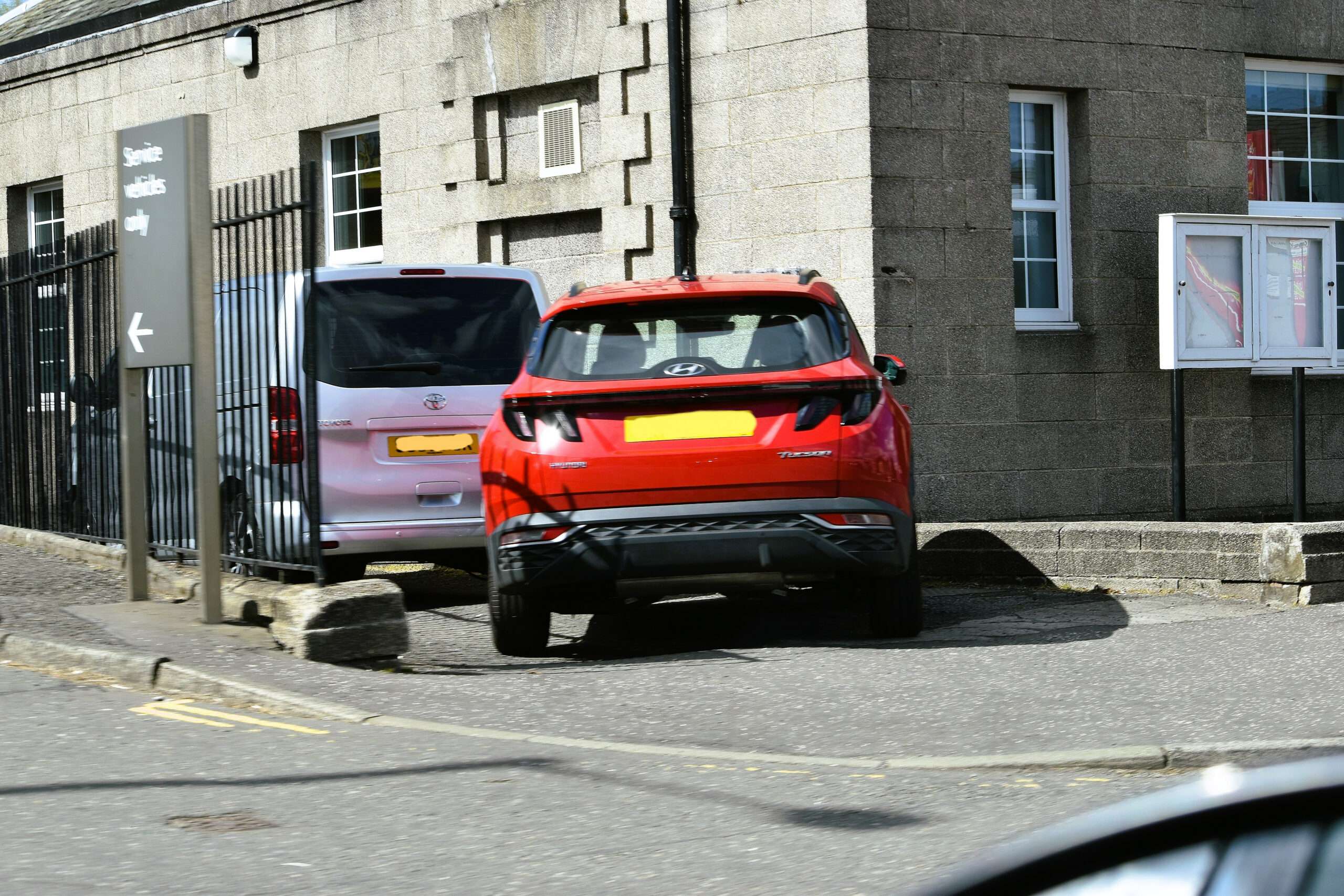
Featured photograph by Charles from Port Chester, New York, CC BY 2.0 and original on Wikimedia Commons. Photograph illustrates the model generation.
Like our guides and unusual cars?
Get forgotten finds, useful motoring content and the most interesting car stuff from us by email.
Free to join. No spam. Unsubscribe whenever you like. See our privacy policy.