Documentary research reviewed 12 November 2026. Unusual Cars has not independently tested this vehicle, scanner or function. Owner reports, product documentation and editorial conclusions are distinguished below.
Buying a reader for a Cavalier Mk3 is an older-system compatibility exercise. A modern generic scanner, a historical Opel diagnostic interface and period workshop equipment are not interchangeable simply because an adapter can join the plugs. The useful starting point is the actual engine-management system, followed by the separate fitted controllers you need to investigate.
Scope: identify the right Cavalier Mk3
The third-generation UK Cavalier, commonly represented as Vectra A in Opel-oriented material, with factory systems. Earlier Cavaliers, the later Vauxhall Vectra generations, the unrelated Chevrolet Cavalier and converted control systems are excluded. Turbo, four-wheel-drive, automatic and other fitted equipment must be identified separately; no coverage is inherited from the badge.
A first-hand older-tool account provides useful context
On the Mk3 Cavalier Owners Club forum, an owner documented an Opel Scanner investigation involving a 1993 C20NE and the Vectra A selection. The account describes initial computer/interface communication difficulties, a 10-pin conversion arrangement and later successful communication using a different model-year setting. This is historical owner experience, not our testing or instructions to copy that setup.
Another participant used the supplied tool to examine running data and reported no stored codes. They initially interpreted a tooltip mentioning possible fault numbers as evidence of a detected fault. The discussion did not establish a completed sensor diagnosis. That distinction is valuable: explanatory software text, a retrieved DTC and a measured signal are different forms of information.
What a modern model listing does and does not establish
The AutoScanner Opel CAN manufacturer page includes Vectra A for 1989–1995. This supports an enquiry about that named family, not every UK Cavalier build or fitted controller. The older owner account does not establish that today’s supplied interface, software or adapters are identical. Ask the seller to match the actual car rather than relying on the shared product name.
Our inspected OP V3.0 Vauxhall model list did not include Cavalier or Vectra A. The presence of Vectra B and Vectra C/Signum is not an alternative match for a Mk3 Cavalier. We have not established another documented route within that product for this car, so we do not present it as a confirmed recommendation. Absence from that inspected list is not proof of universal incompatibility.
Match the fitted system before choosing the year label
An engine capacity and trim badge may leave important questions unanswered. Supply the build and fitted engine identification; if the engine, management or wiring has been changed, explain that before asking a supplier for support. A factory-model entry cannot certify a conversion. Ask which ECU profile is expected and how the workshop will identify the system if the old paperwork is incomplete.
The historical owner’s need for a different year selection is a limitation of that account, not a universal workaround to recommend. Choosing a neighbouring year without understanding the fitted controller can produce misleading results. The seller or specialist should explain the correct profile for the supplied package rather than asking you to guess until something appears.
Fault-code reading and useful running data are different purchases
A reader that retrieves a supported stored code may still provide little contextual information. If the requirement is to investigate a running complaint, ask whether the actual ECU supplies the relevant live values and whether those values can be recorded. The answer should name the supported information rather than rely on a blanket live-data slogan.
Do not treat the graph in an owner’s screenshot as a specification for another engine. Units, selected parameters, software scaling and the operating conditions all matter. Without the correct system information, a trace that looks unusual cannot establish a failed sensor. This guide supplies no diagnostic thresholds or substitute for a competent interpretation of the complete evidence.
Engine, automatic gearbox, brakes and other systems need separate answers
Start with the system involved in the warning. An engine reading does not establish automatic-transmission or ABS access. Ask which fitted controller can communicate and which reading functions the particular package supplies. A seller’s general list of supported systems across the brand must not be applied to every Cavalier variant.
Similarly, do not turn an engine, gearbox or four-wheel-drive label into a guaranteed scan diagnosis. Some complaints require mechanical assessment, and some historical systems may offer a narrower set of electronic information than an owner expects. Confirm the available report before buying. We have not established a universal brake, restraint or drivetrain-controller reading package for every Mk3 here.
Buying period equipment needs more than the right name on its case
If a workshop proposes an older Tech 1-era route, ask whether it has the appropriate vehicle software and connection equipment for the actual job. A historical scanner sold second-hand may arrive with software for a different market, family or system. The presence of a recognisable manufacturer name on the case does not answer those questions.
For a laptop tool, include the supported computer setup, legitimate licence, supplied interface and help available after purchase. Do not use the historical thread’s converted software or home-made adapter as buying instructions. A current documented package or an experienced specialist with confirmed equipment is a more defensible route than reproducing an unverified internet setup.
Match the warning to the information you need
| Question or symptom | Useful diagnostic request | Limit to retain |
|---|---|---|
| Running complaint with no retrieved DTC | Confirm ECU communication and relevant available data. | No stored code is not proof that every signal is healthy. |
| Tooltip displays possible code numbers | Distinguish help text from actual retrieved records. | A suggested code is not a recorded fault. |
| ABS, automatic or fitted drivetrain warning | Ask about that actual controller separately. | An engine connection supplies no universal module coverage. |
| Seller names Vectra B or generic Vauxhall | Request explicit Cavalier Mk3/Vectra A matching. | A later generation is not the same compatibility entry. |
Generic OBD2 and manufacturer-aware diagnostics
The shape of a diagnostic socket does not establish the language spoken by the electronics behind it. Snap-on’s communication guidance explicitly warns that a 16-pin connector alone does not prove OBD2 compliance. Treat a generic emissions reader and a manufacturer-aware session as different enquiries. A reader showing no codes is useful only when you know which controller actually communicated.
Manufacturer-aware access can retrieve supported information outside a generic engine-emissions session. It is not a promise that every useful code is proprietary, that every old car stores the same information, or that every enhanced tool reads every module. Exact functions can vary by vehicle build, module, software, interface and tool version. A broad model listing, a controller-reading function and a named live measurement are separate claims.
Buying a reader or booking a diagnostic appointment
For a Mk3 Cavalier, favour a documented older-system enquiry over an unqualified all-Vauxhall claim. AutoScanner’s Vectra A entry is a starting point for supplier confirmation. A genuine supported laptop package or a suitably equipped older-car specialist may be considered once the engine, connection and required controller have been matched.
Give the supplier the build, engine, transmission and fitted system, and ask for the exact reading task in writing. If an adapter is required, confirm that the supplied package supports the vehicle-side connection as well as the communication protocol. Include software, licence, computer requirements and support in the comparison. For a one-off warning, a workshop with suitable older-vehicle equipment may be more useful than buying an uncertain interface.
Keep a report that another person can interpret
Record the warning, naturally observed circumstances, recent work and whether the symptom was present during the scan. Keep the original tool report or screenshots with the selected vehicle profile, controller identification, complete code text and available status. Distinguish a module that returned no faults from one that could not be contacted. A list of empty generic engine results is not an all-systems report.
Retain any information before clearing codes. A code description points to an investigation; it does not establish a failed component or a safe vehicle. Do not deliberately reproduce a dangerous symptom to collect data. Follow the correct handbook for urgent warnings and use appropriate professional help for braking, steering, restraints or an engine that cuts out.
This guide supplies no pin-bridging, wiring tests, restraint repairs, security access, key programming, coding, calibration, forced-regeneration or active-test instructions. Historical repair suggestions in linked discussions are not recommendations to repeat them.
Love cool cars? Join Unusual Cars Club FREE!
Get forgotten motoring finds, stories, helpful car content and more.
Free to join. No spam. Unsubscribe whenever you like. See our privacy policy.
Frequently asked questions
Should I choose Vectra B for a Mk3 Cavalier?
No. Establish the correct Cavalier/Vectra A profile for the actual tool and fitted electronics.
Does the owner’s working interface guarantee a new purchase will work?
No. It describes a historical combination, with connection and selection difficulties that must not be generalised.
Can a generic scanner and adapter be assumed to provide live data?
No. The actual ECU, supported protocol, software and requested value need confirmation together.
Related Vauxhall diagnostic guidance
Calibra scanner coverage guide · Astra F scanner guide · OP-COM, VAUX-COM and iCarsoft comparison
Browse the Vauxhall diagnostic scanner hub or the main diagnostic scanner directory. Evidence for another model or generation must not be transferred to this vehicle without checking the actual fitted system.
Sources and research notes
The sources support the specific statements identified above. Manufacturer and supplier coverage listings are starting points for an exact-build enquiry. Owner accounts illustrate the question being asked; they do not establish a typical failure rate, verified repair or universal scanner capability.
- AutoScanner manufacturer list: Vectra A
- iCarsoft official function/model lookup
- Mk3 Cavalier Owners Club: first-hand Opel Scanner account
- Snap-on: no communication does not establish a failed ECU
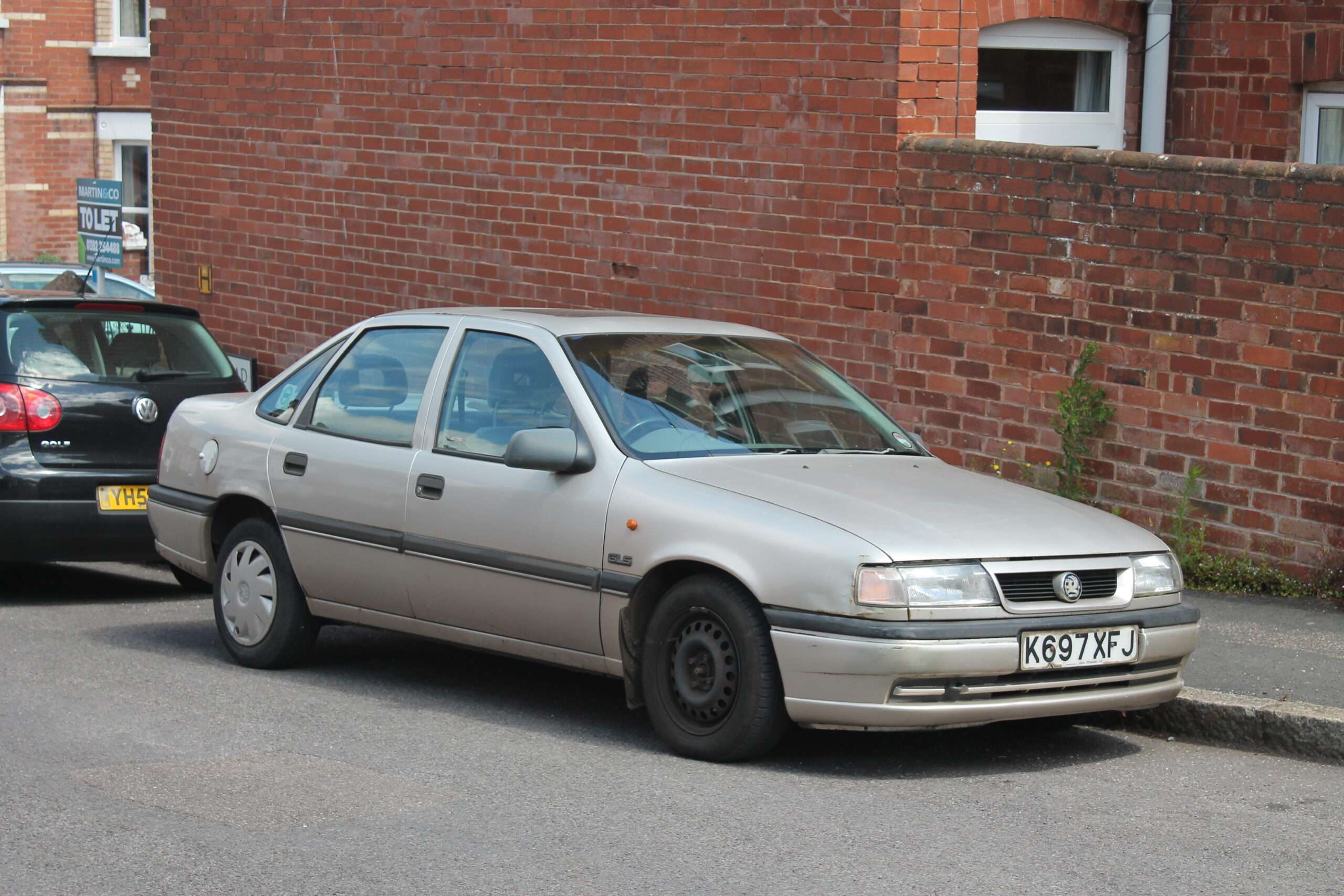
Featured photograph: 1993 Vauxhall Cavalier 1.8 GLS (14531953970).jpg by Charlie / charlie cars, CC BY 2.0, via Wikimedia Commons. Resized for display; hub thumbnail may be cropped. Representative vehicle photograph; no diagnostic testing is implied.