← All car diagnostic scanner guides
The right diagnostic scanner for your Vauxhall can save you time, money and a lot of guesswork. Whether a warning light has appeared or your car isn’t running as it should, a suitable scanner can help you understand the fault information before you spend money replacing parts.
Start by finding your model below. Our straightforward guides explain which scanners are worth considering, what they can help you investigate, and what to check before buying. A basic code reader may help with engine warnings, while ABS, airbag, gearbox and other systems can need Vauxhall-specific coverage. A fault code is a starting point for diagnosis, rather than proof that a particular part needs replacing.
Find your Vauxhall guide: 52 model guides
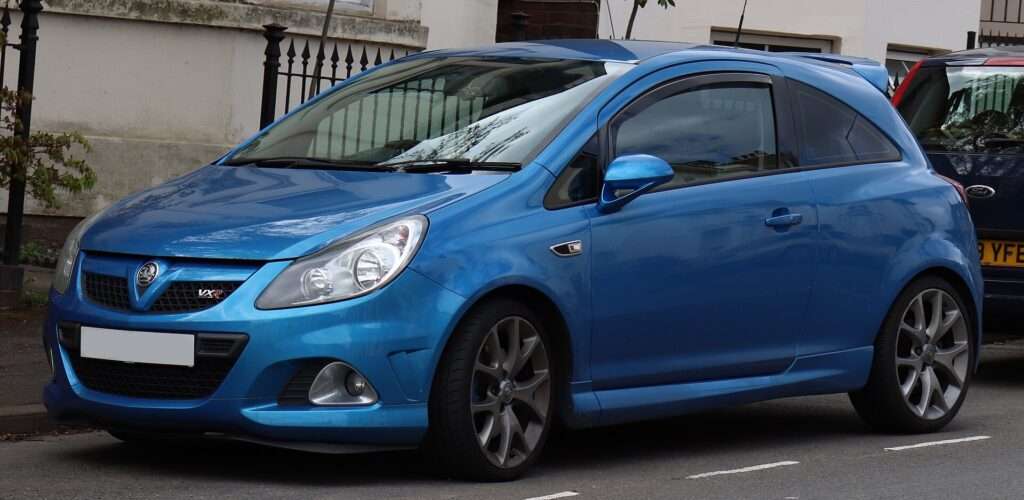
2006–2014
Vauxhall Corsa D
Engine OBD2, ABS information and Easytronic questions.
Read the Corsa D scanner guide →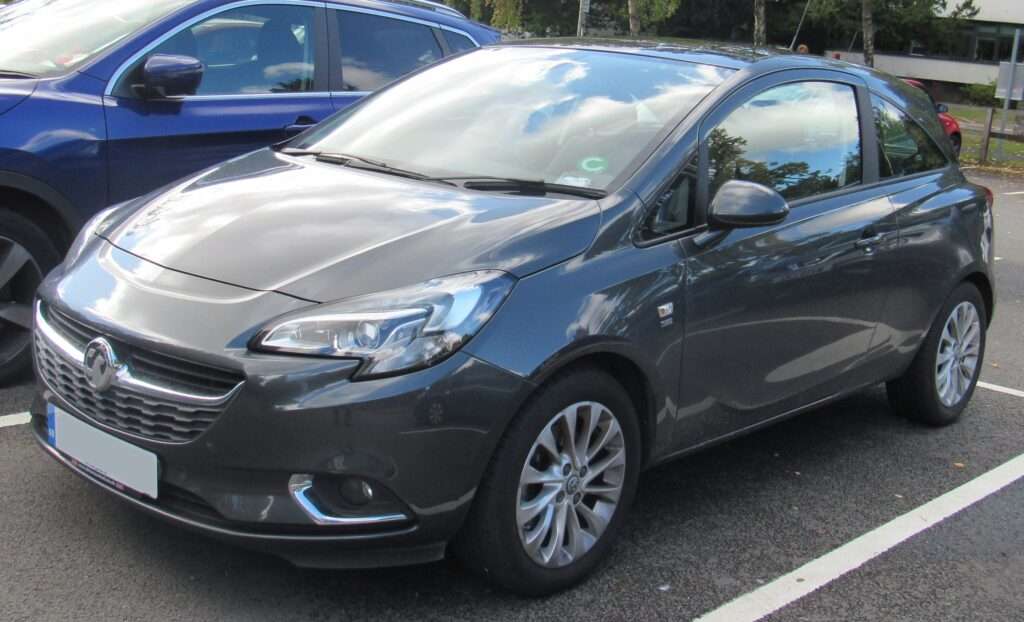
2014–2019
Vauxhall Corsa E
Engine warnings, ABS, airbags and scanner choices.
Read the Corsa E scanner guide →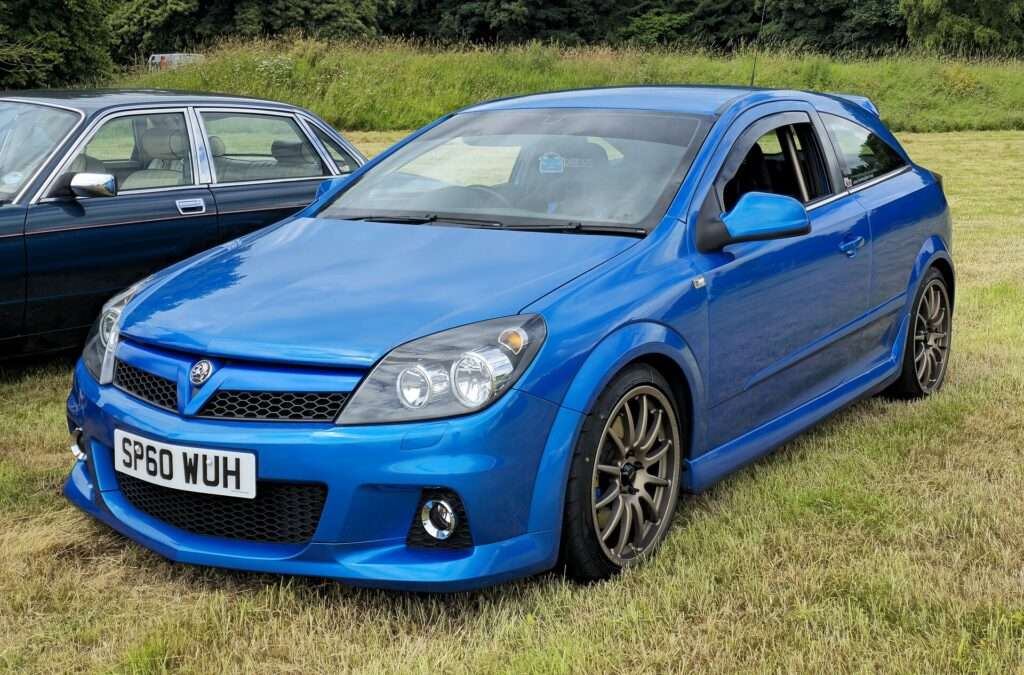
UK Mk5
Vauxhall Astra H
Engine, ABS, airbag and Easytronic diagnostic routes.
Read the Astra H scanner guide →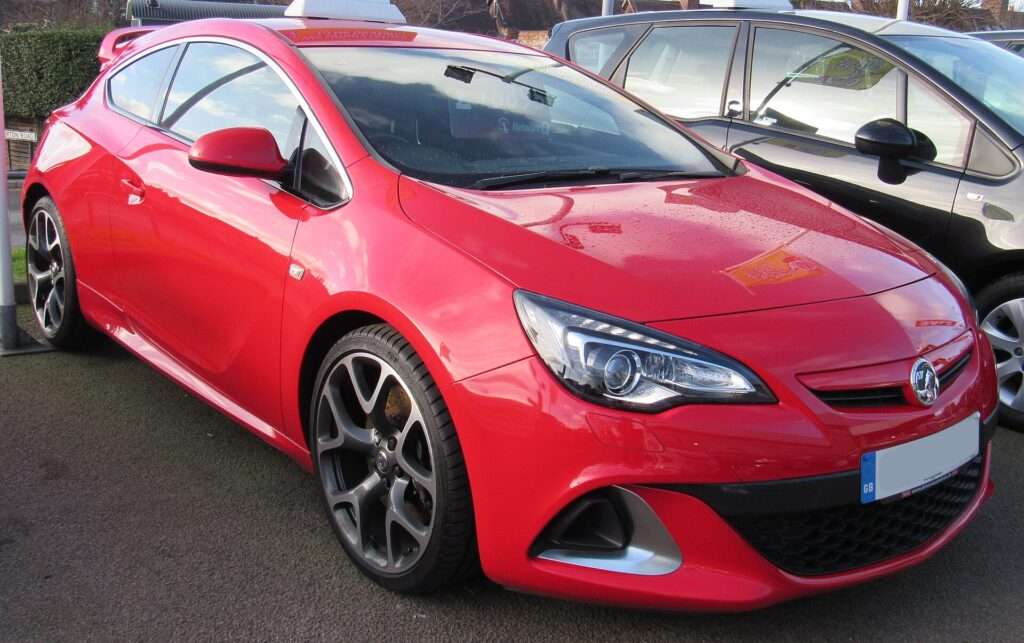
UK Mk6
Vauxhall Astra J
Reduced power, ESP and separate engine/chassis coverage.
Read the Astra J scanner guide →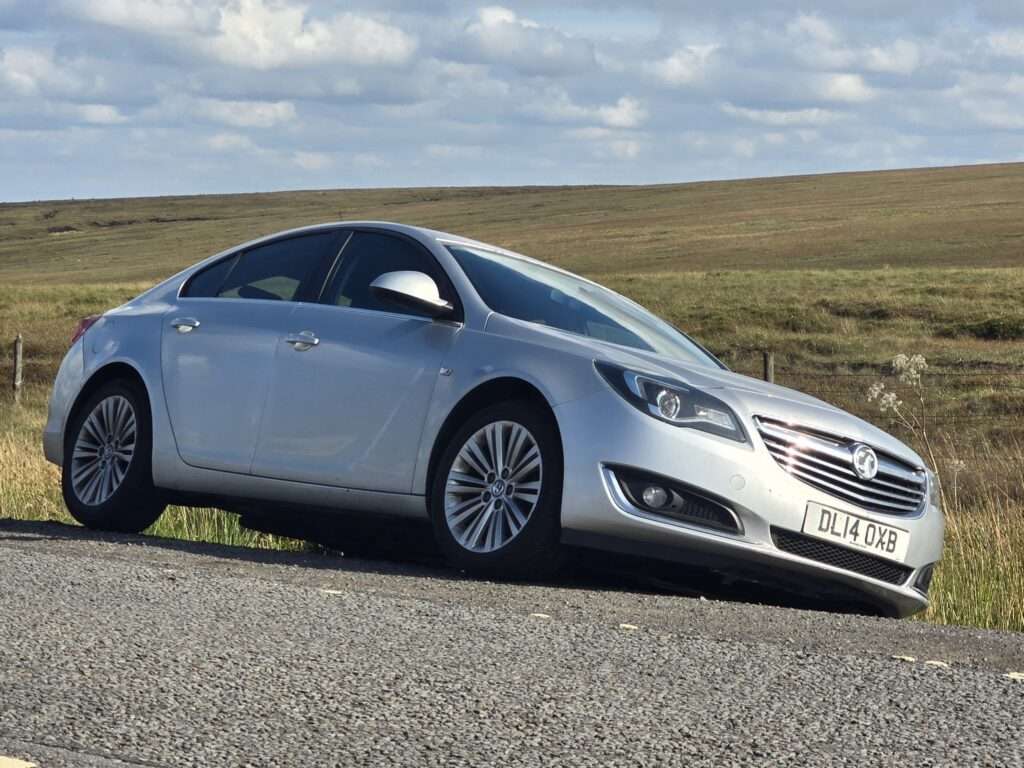
First generation
Vauxhall Insignia A
Diesel, gearbox and fitted four-wheel-drive systems.
Read the Insignia A scanner guide →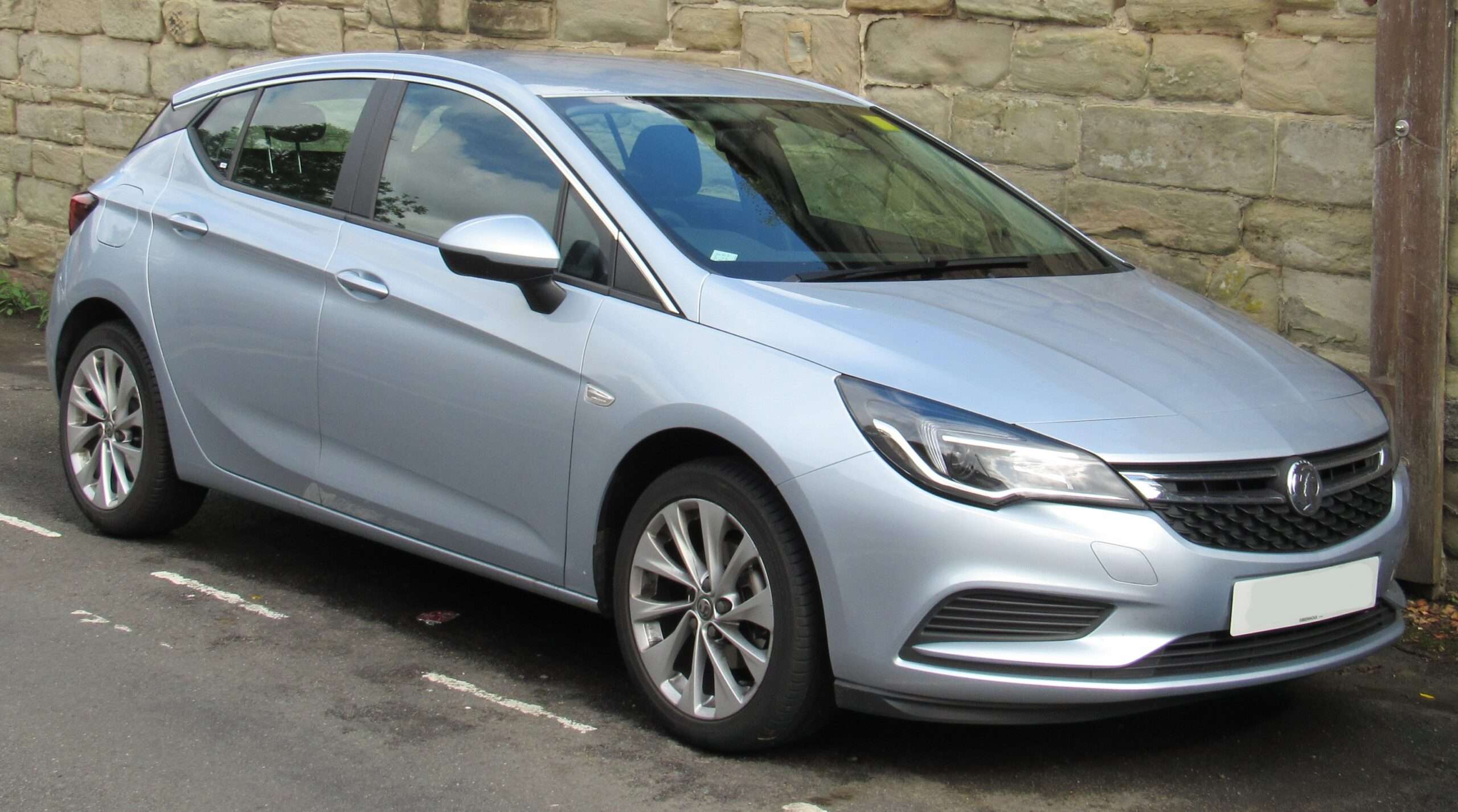
UK Mk7
Vauxhall Astra K
ABS, airbags and body-system faults beyond engine OBD2.
Read the Astra K scanner guide →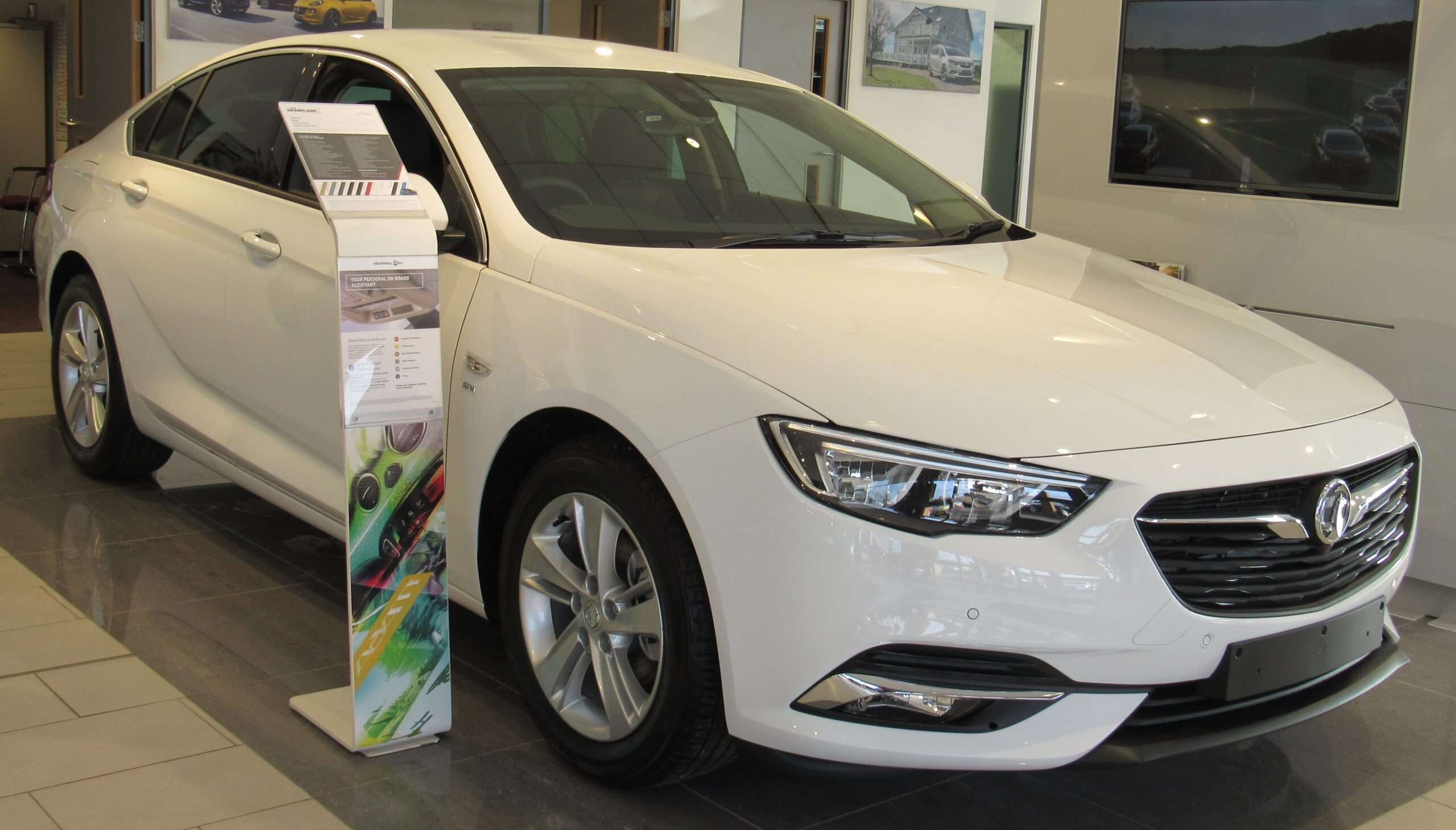
Second generation
Vauxhall Insignia B
Diesel rough idle, ABS, restraints and automatic gearbox access.
Read the Insignia B scanner guide →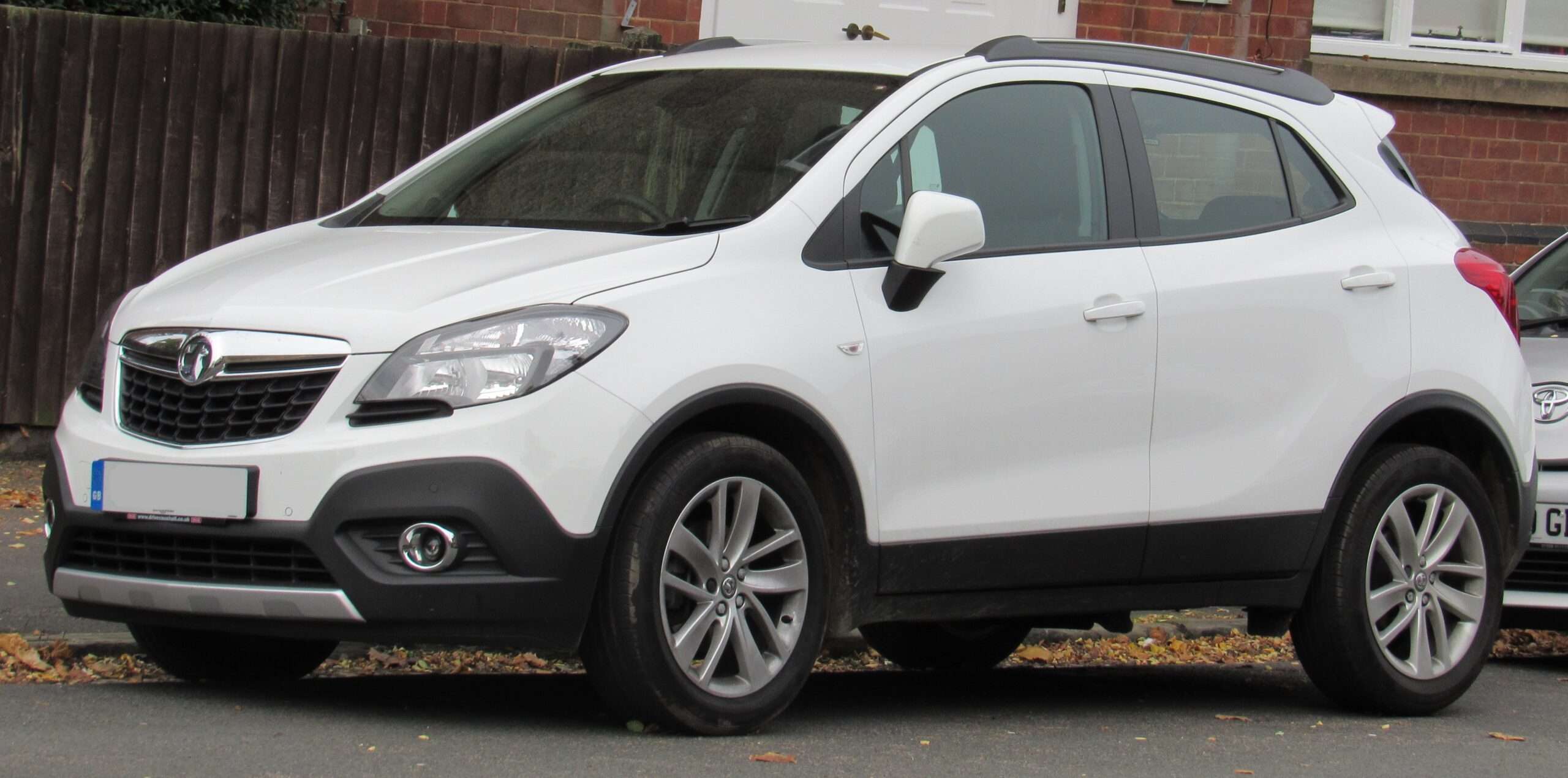
First generation and facelift
Vauxhall Mokka / Mokka X
Parking-assist warnings, ABS and first-generation coverage checks.
Read the Mokka / Mokka X scanner guide →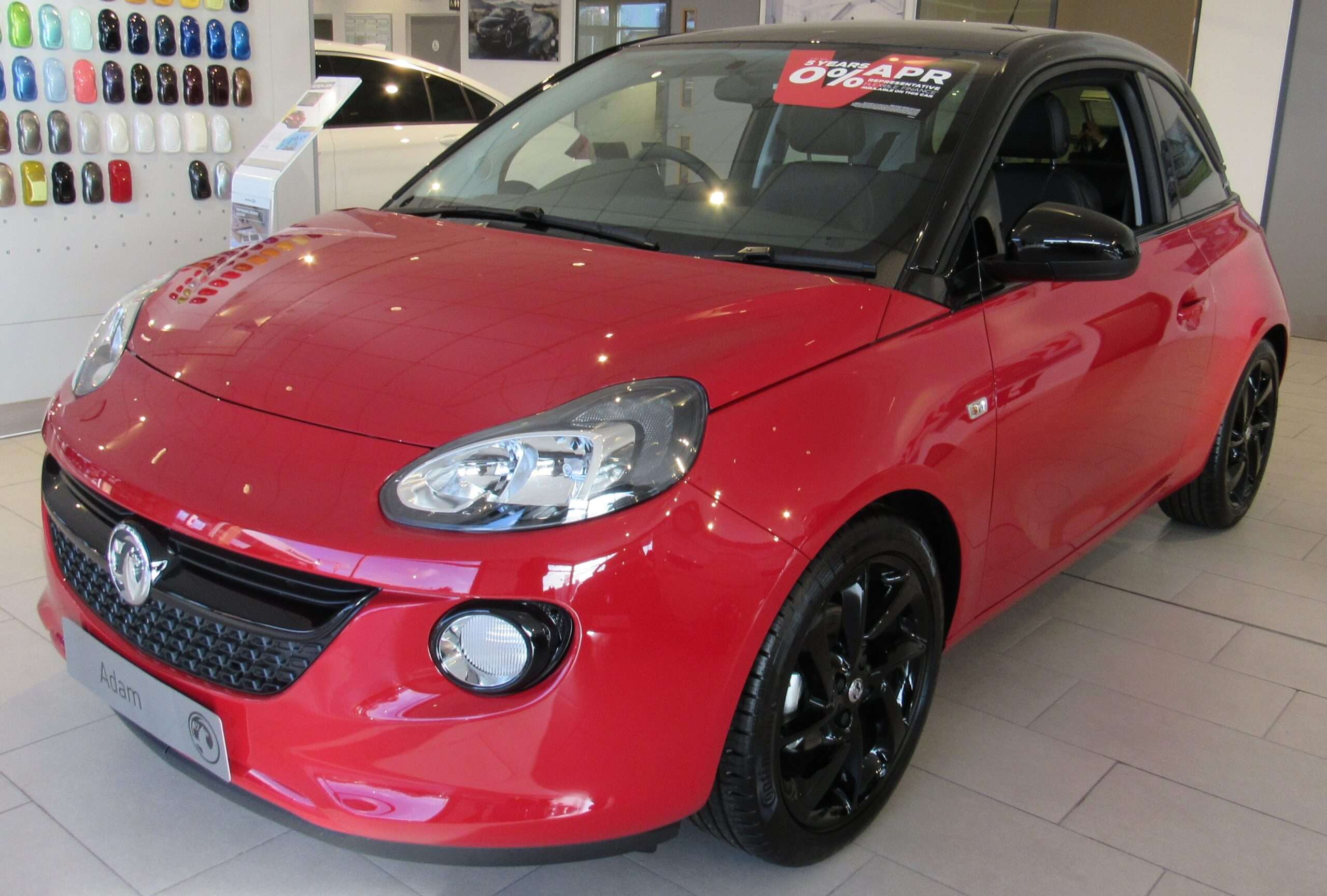
UK factory petrol models
Vauxhall Adam
Indicator and body warnings, ABS, airbags and tool selection.
Read the Adam scanner guide →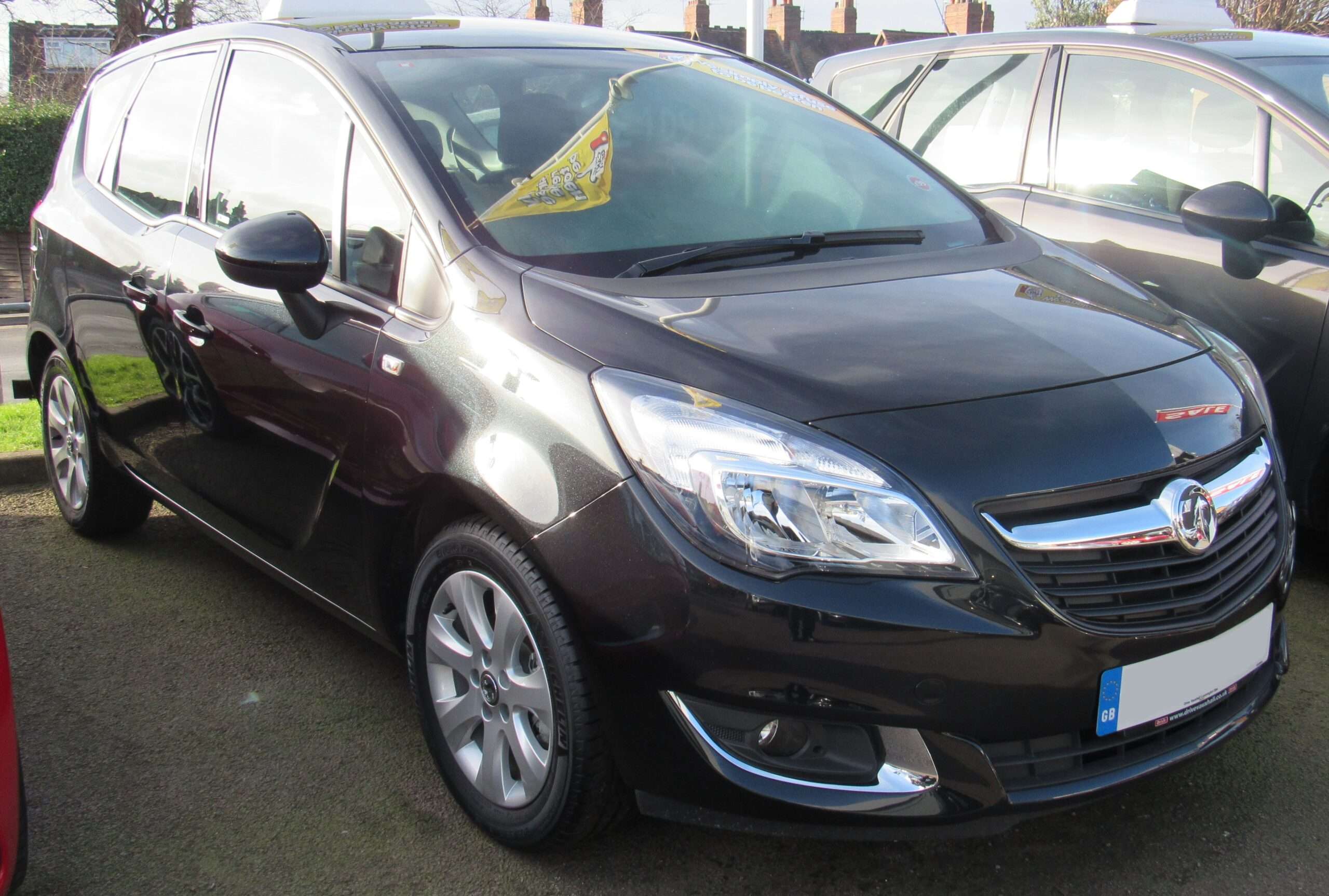
Second generation
Vauxhall Meriva B
Dashboard messages, parking-brake and ABS diagnostic questions.
Read the Meriva B scanner guide →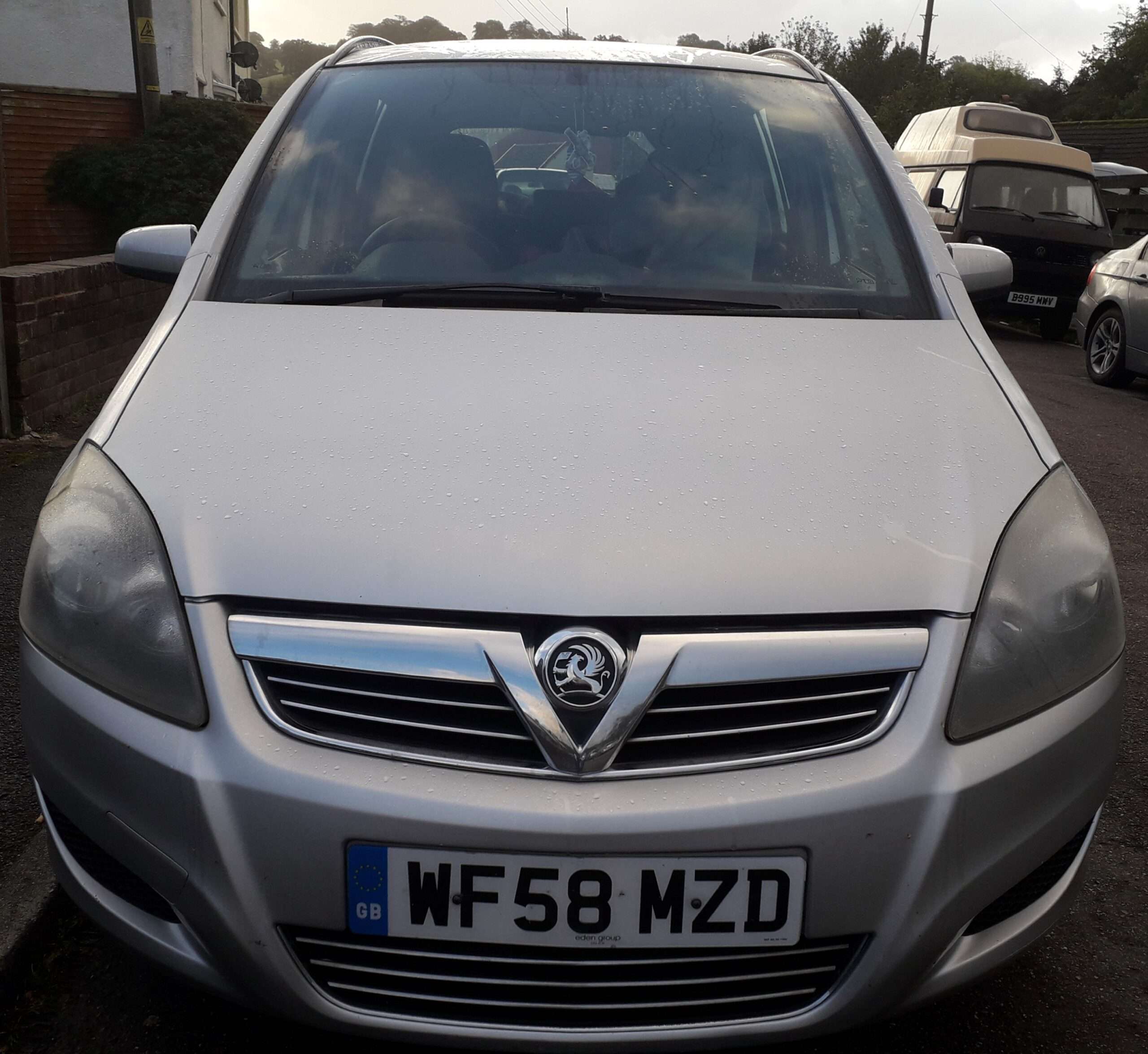
B / confirmed B-based Family
Vauxhall Zafira B
ABS, speedometer and CIM reports without guessed replacements.
Read the Zafira B scanner guide →
Tourer C
Vauxhall Zafira Tourer C
Generic engine codes, brake systems and Tourer-specific access.
Read the Zafira Tourer C scanner guide →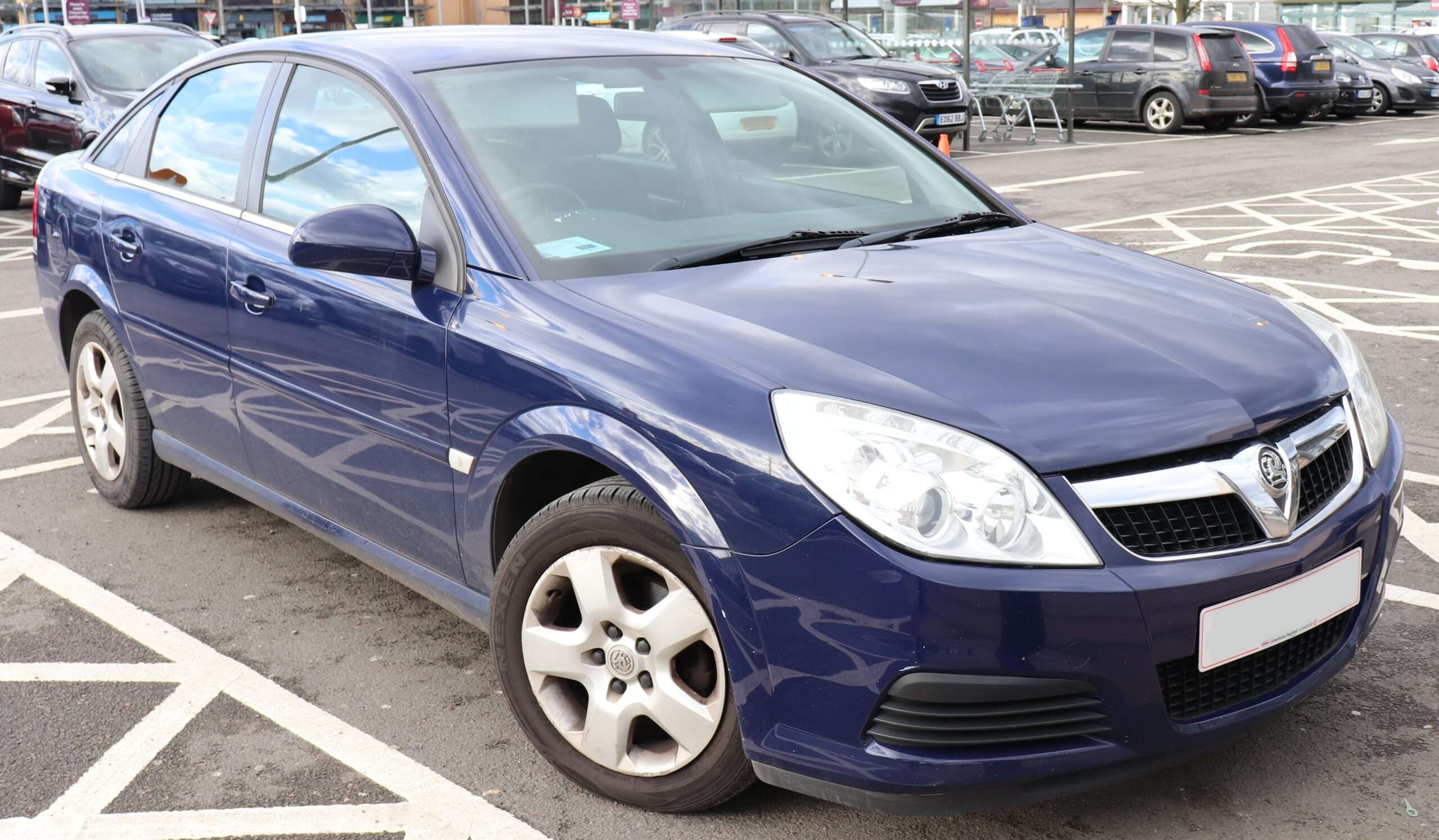
Vectra C and related Signum
Vauxhall Vectra C / Signum
Airbag lights, ABS and body-controller reading routes.
Read the Vectra C / Signum scanner guide →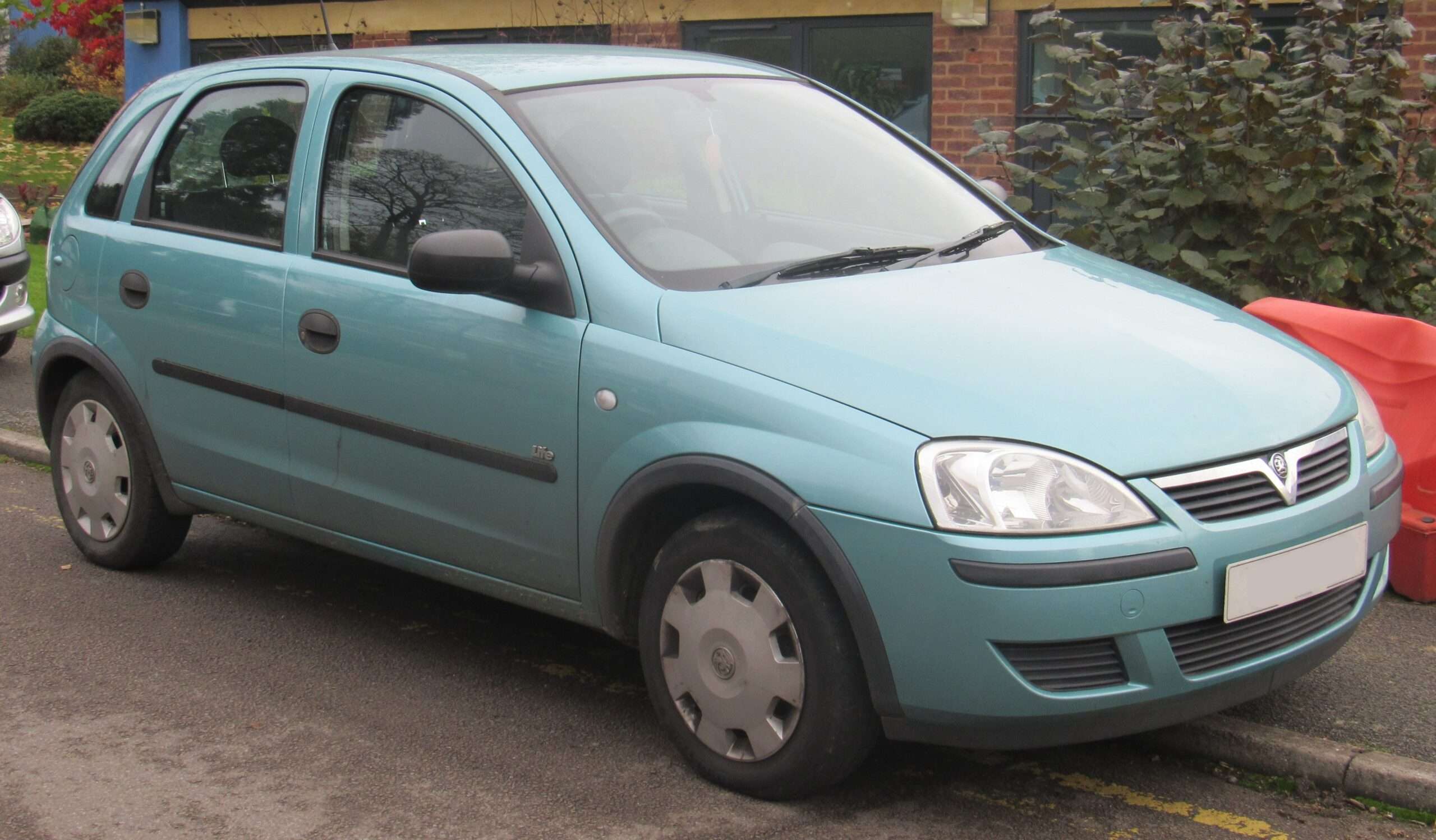
UK C generation
Vauxhall Corsa C
Steering warnings, ABS and older-car connection requirements.
Read the Corsa C scanner guide →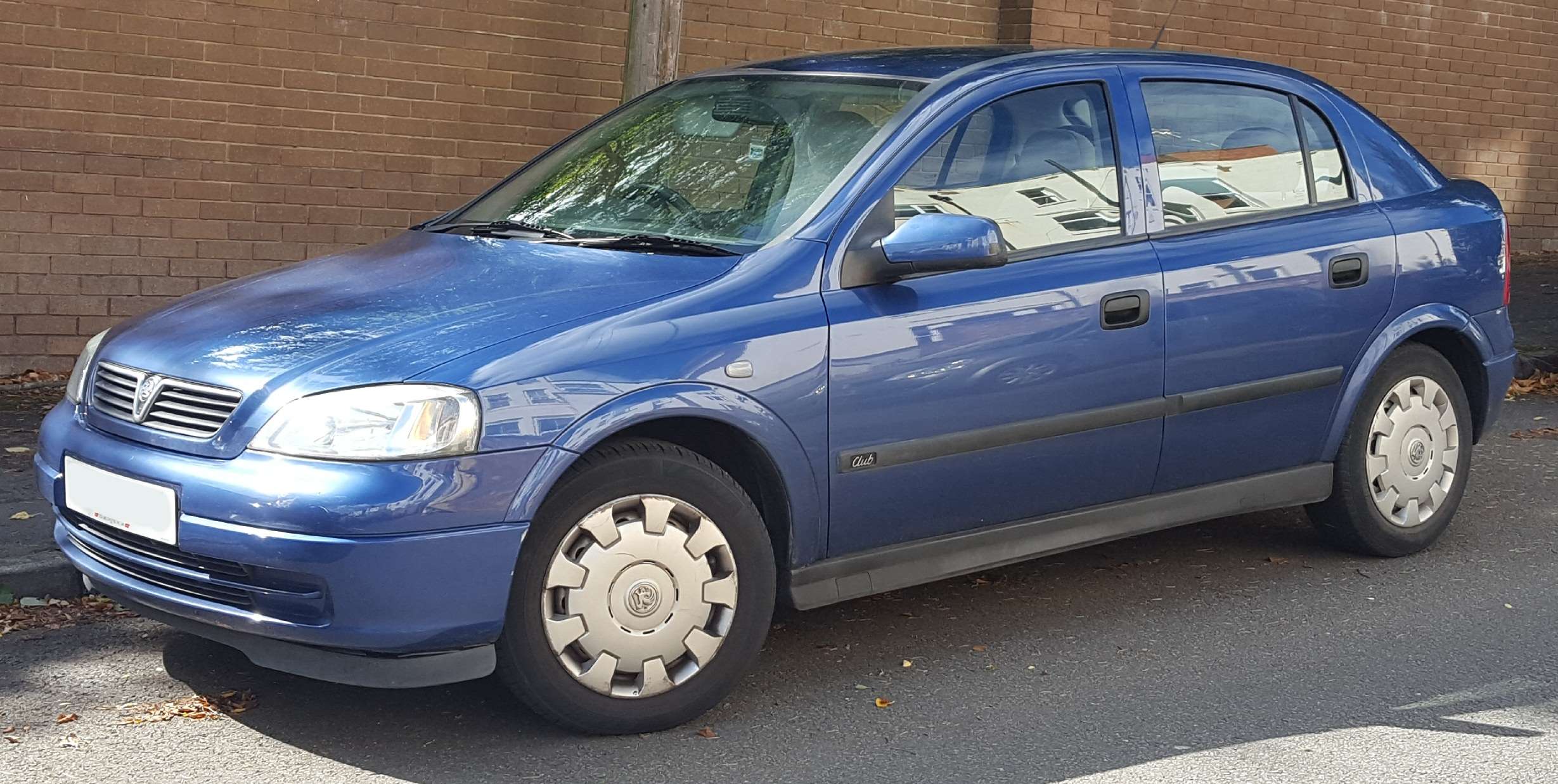
UK Mk4
Vauxhall Astra G
Mk4 connection problems, ABS and restraint-system coverage.
Read the Astra G scanner guide →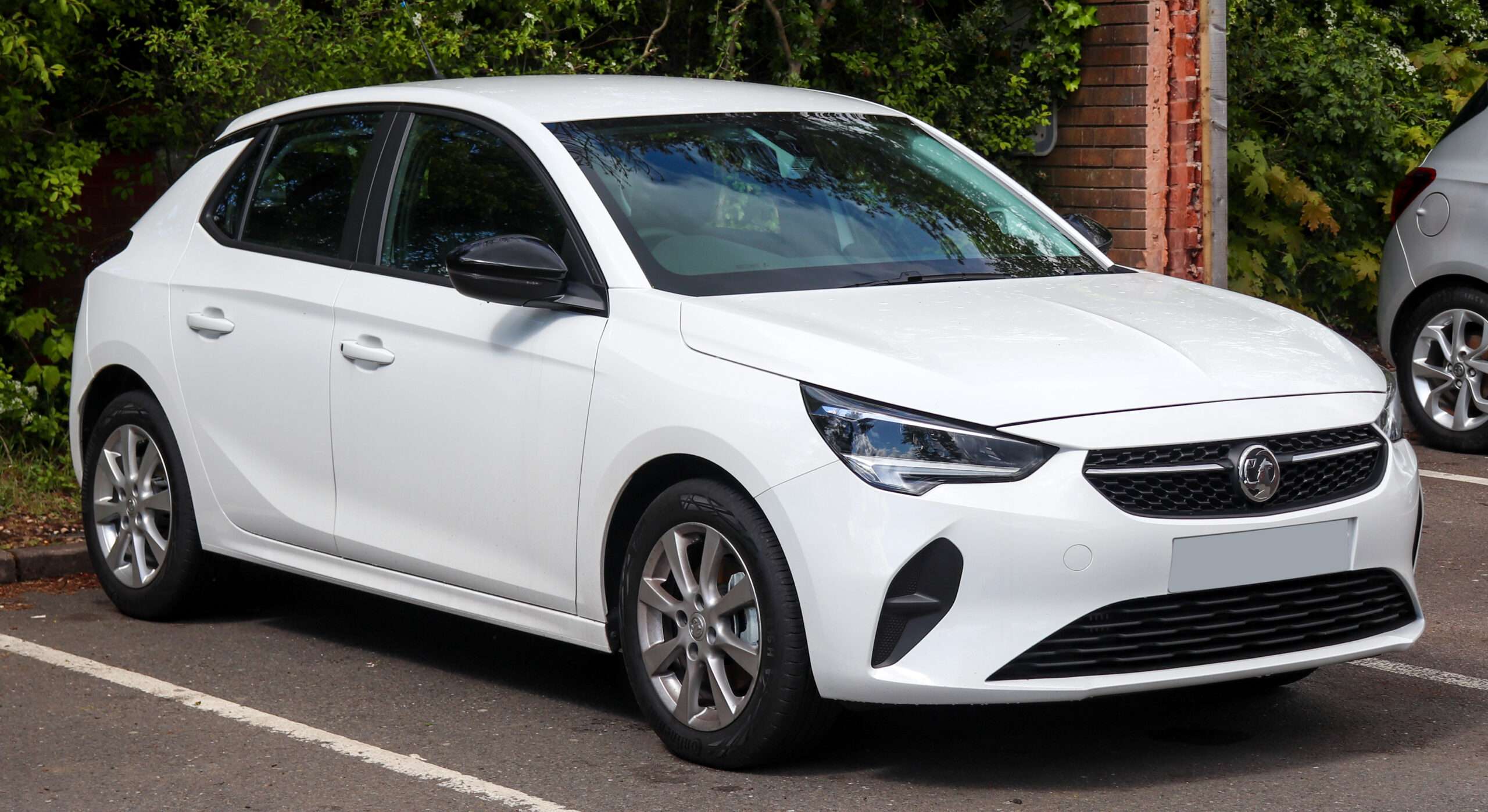
UK petrol/diesel F
Vauxhall Corsa F
Multiple warnings, ABS and PSA-era coverage checks.
Read the Corsa F scanner guide →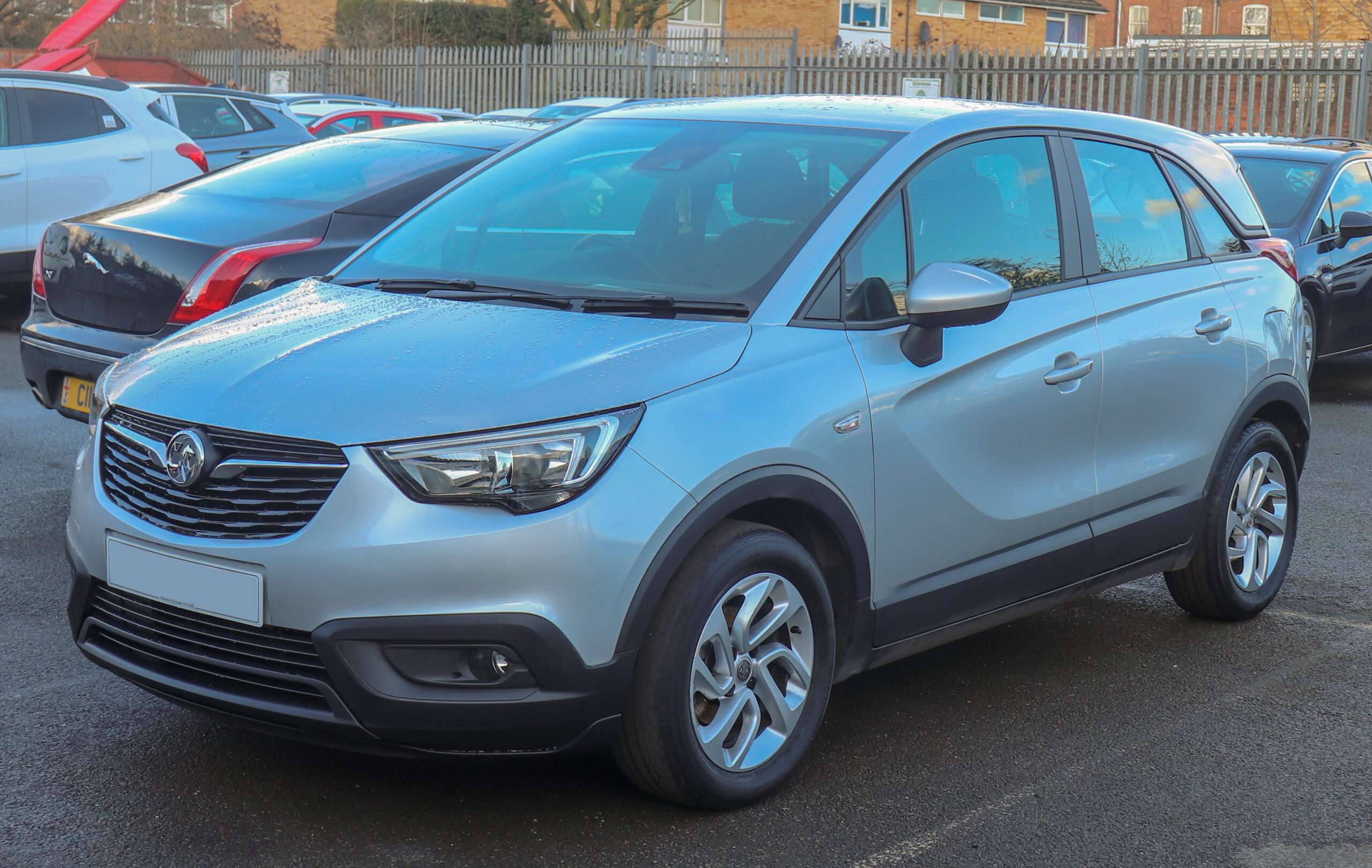
UK petrol/diesel X
Vauxhall Crossland X
Engine warnings, parking assist and diagnostic limits.
Read the Crossland X scanner guide →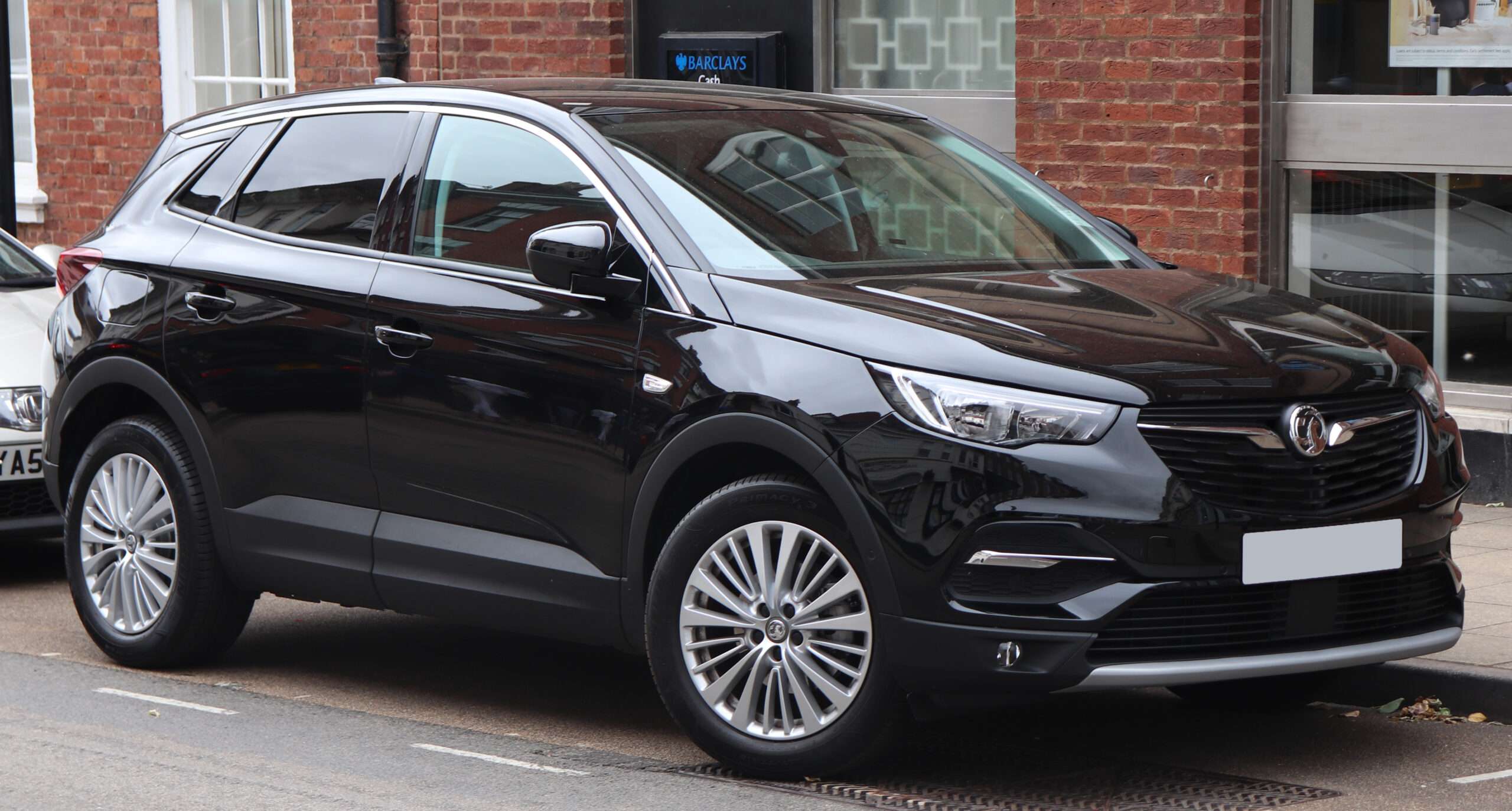
UK petrol/diesel X
Vauxhall Grandland X
Parking sensors, ABS and airbag coverage.
Read the Grandland X scanner guide →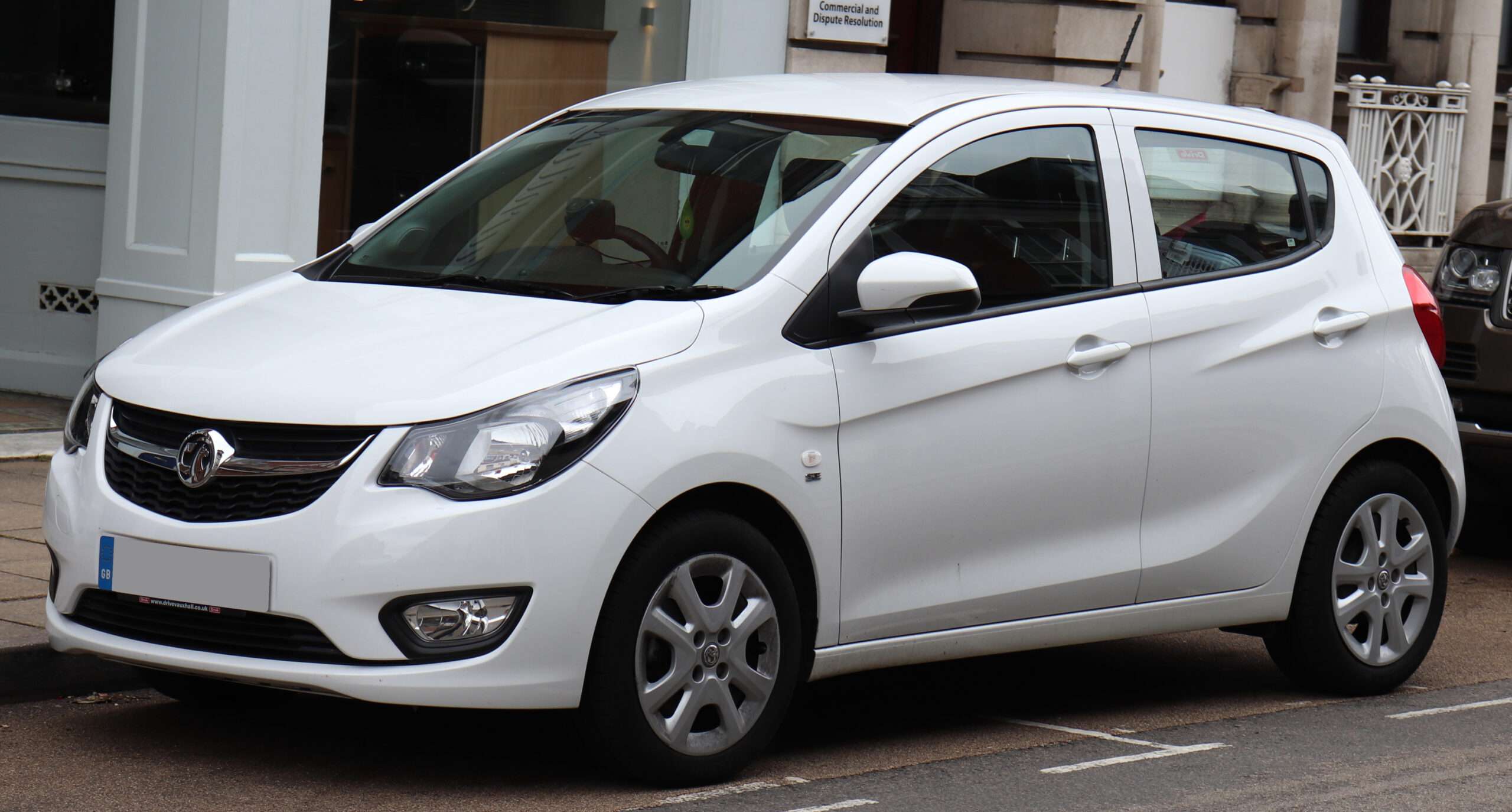
Modern UK Viva
Vauxhall Viva
TPMS questions, ABS and restraint-system access.
Read the Viva scanner guide →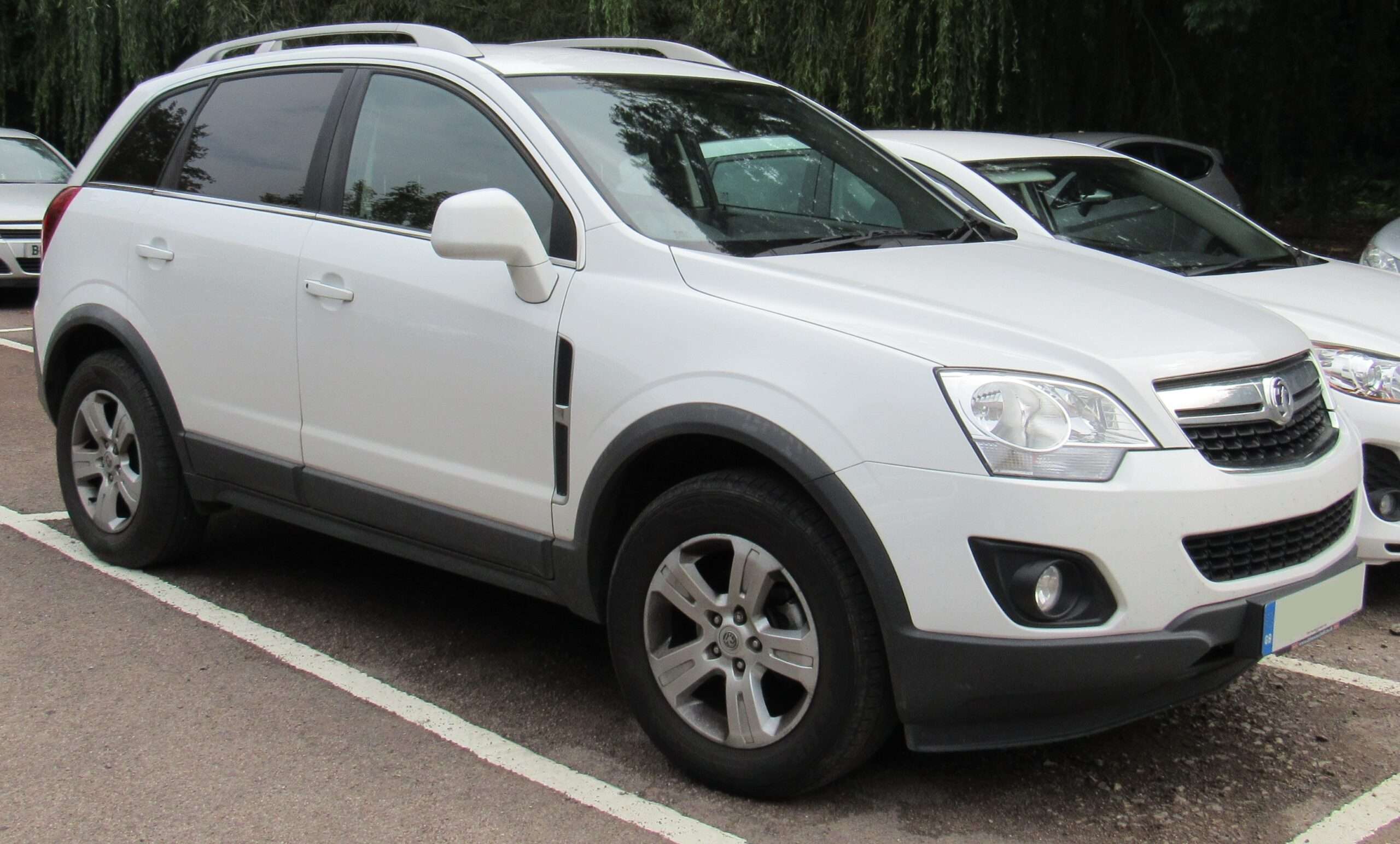
UK factory vehicles
Vauxhall Antara
ABS, fitted AWD and parking-brake controllers.
Read the Antara scanner guide →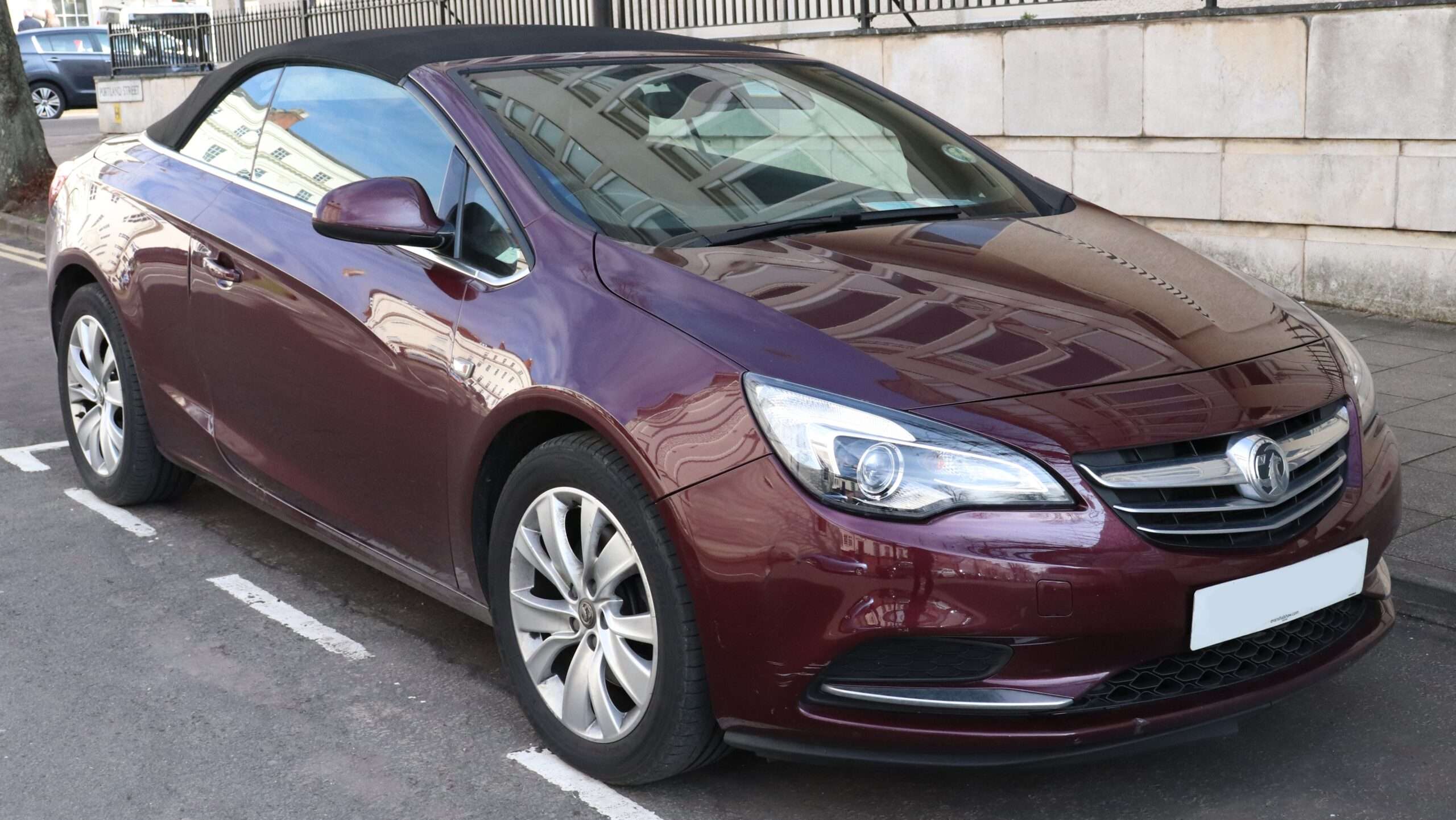
UK factory vehicles
Vauxhall Cascada
Folding-top reading, ABS and airbag coverage.
Read the Cascada scanner guide →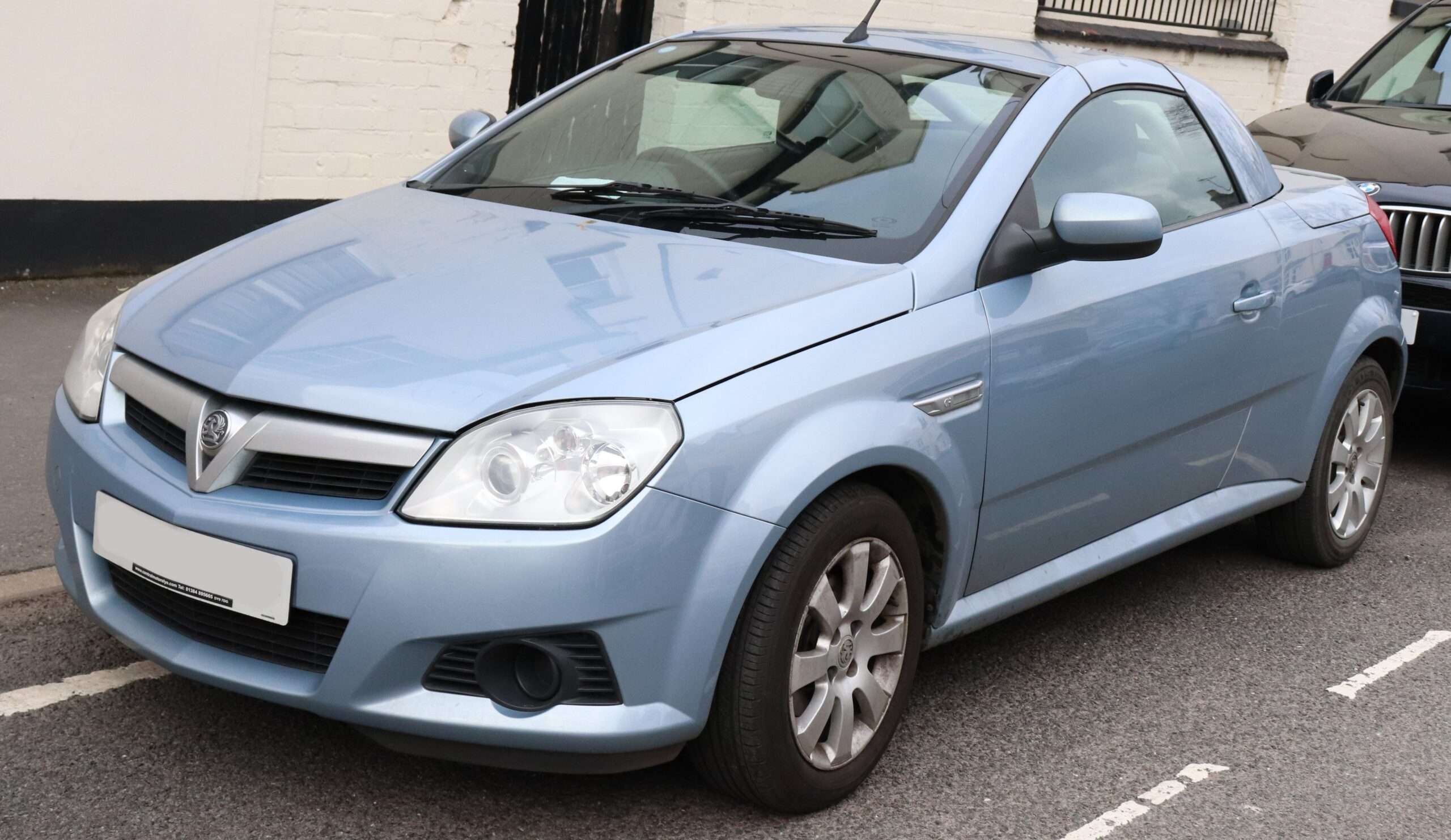
UK Tigra B / TwinTop
Vauxhall Tigra TwinTop
Roof-access limits, ABS and steering diagnostics.
Read the Tigra TwinTop scanner guide →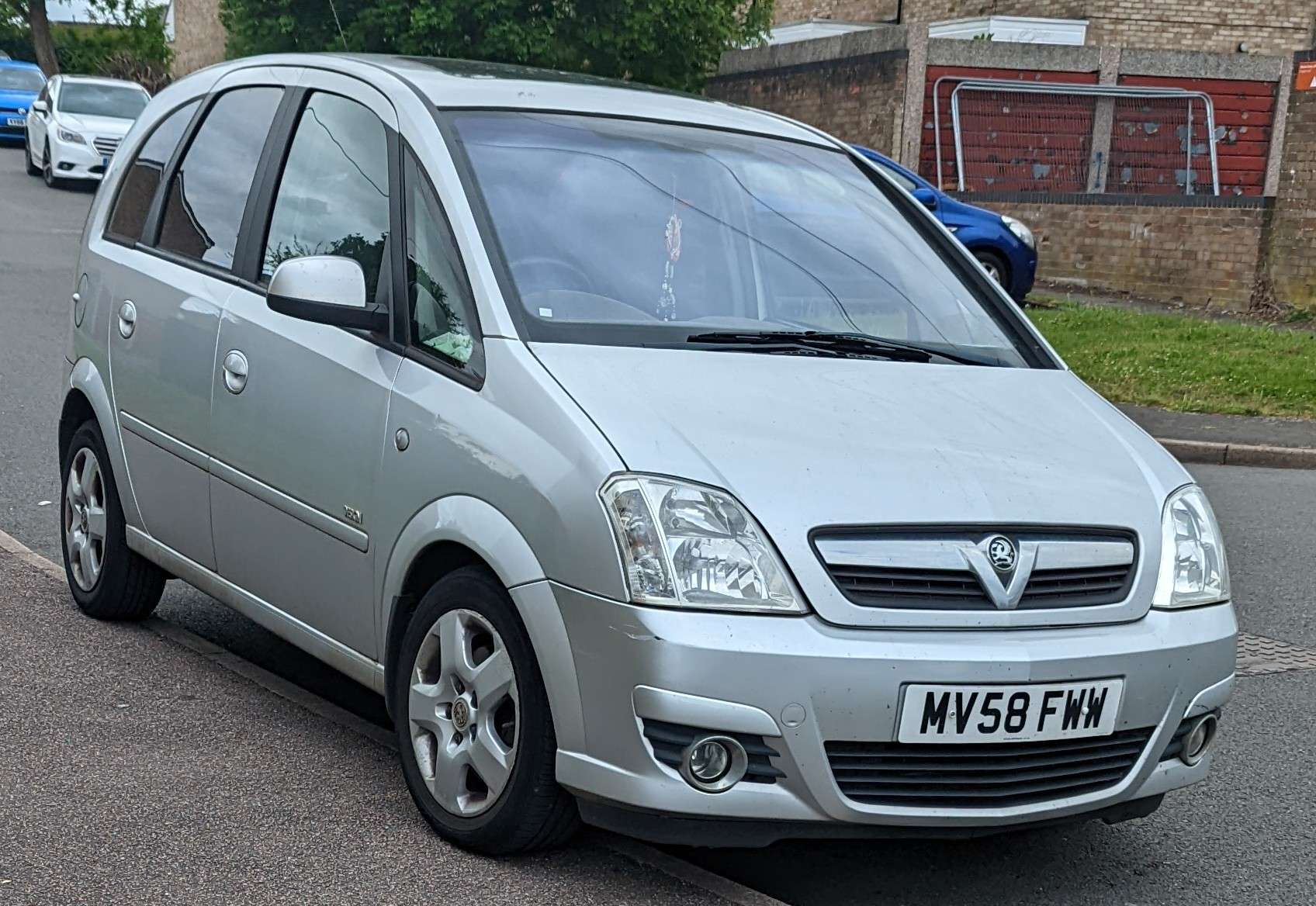
First generation
Vauxhall Meriva A
EPS warnings, ABS and no-code questions.
Read the Meriva A scanner guide →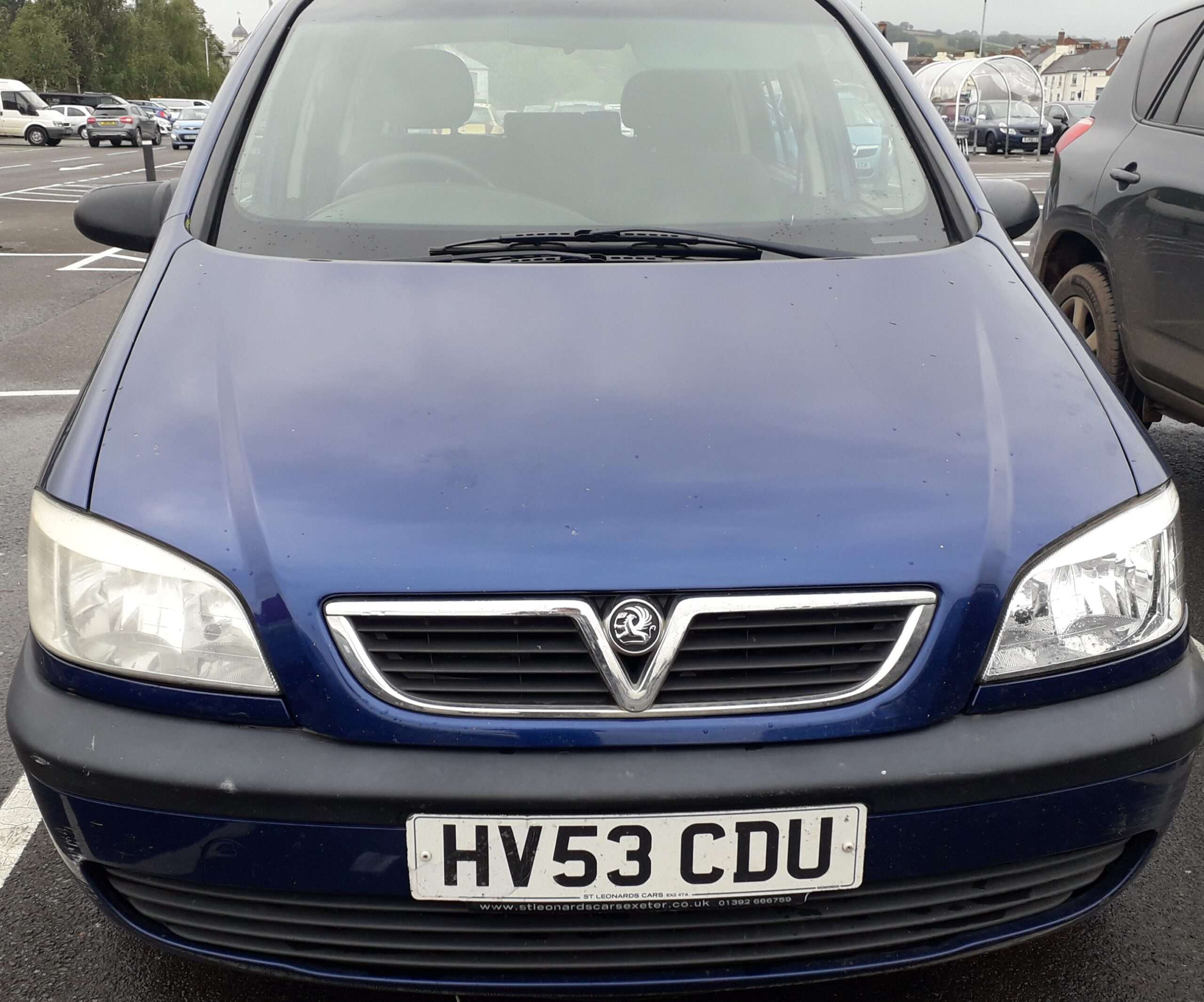
First generation
Vauxhall Zafira A
Spanner light, older OBD2 and automatic gearbox checks.
Read the Zafira A scanner guide →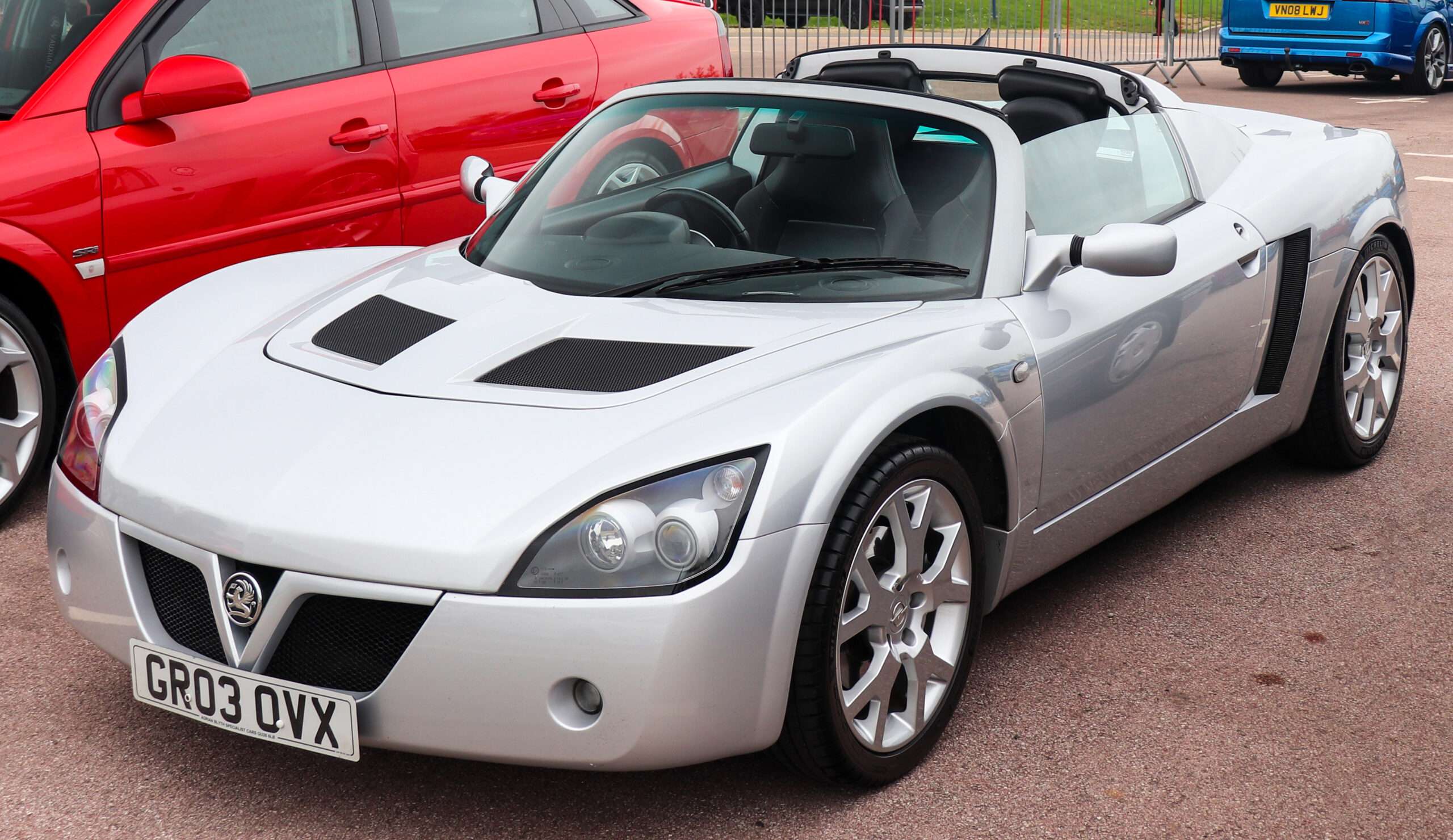
UK factory NA / Turbo
Vauxhall VX220
Engine OBD2, ABS and communication limits.
Read the VX220 scanner guide →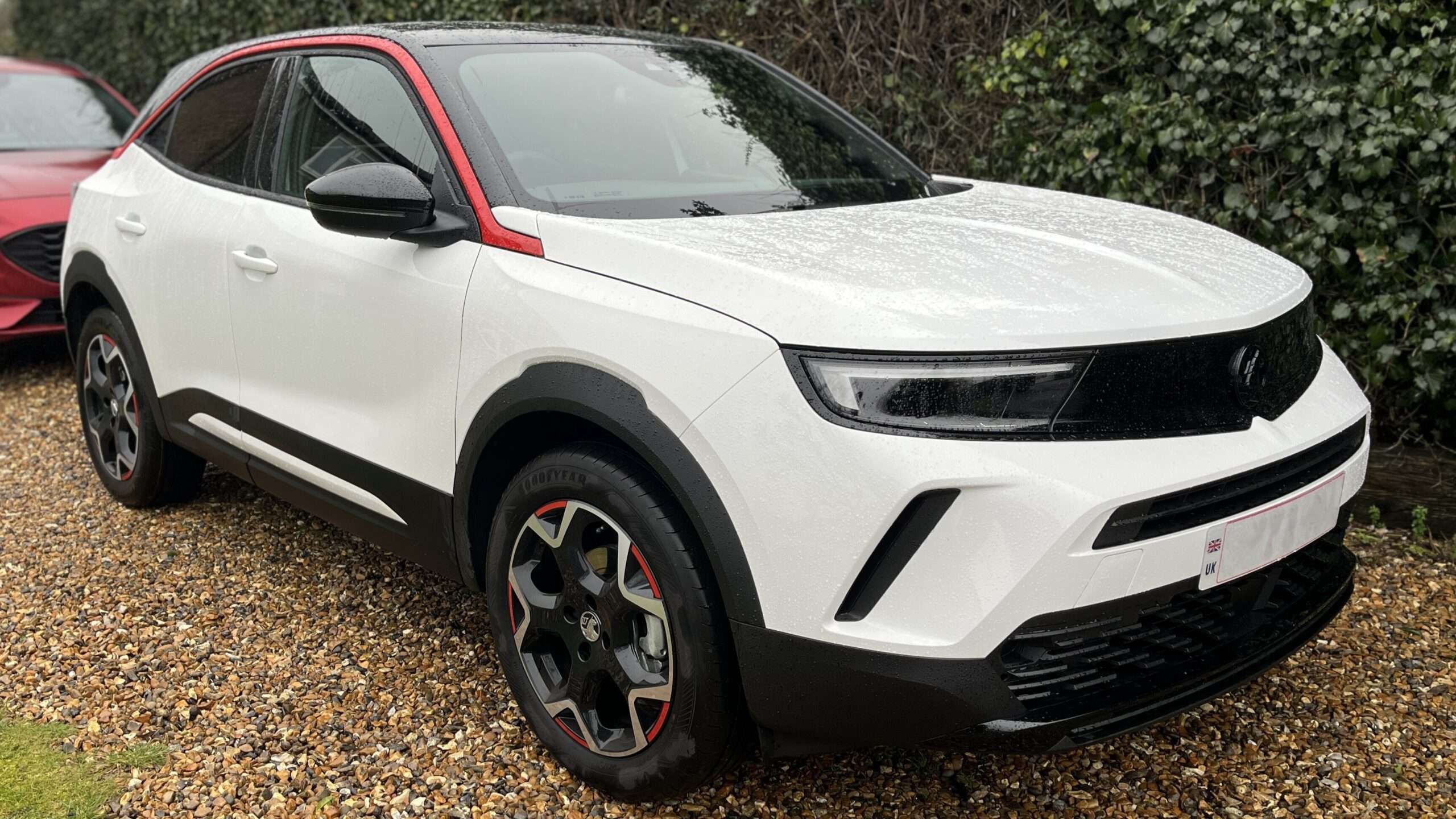
UK petrol/diesel B
Vauxhall Mokka B
PSA-era coverage, ABS and restraint-system reading.
Read the Mokka B scanner guide →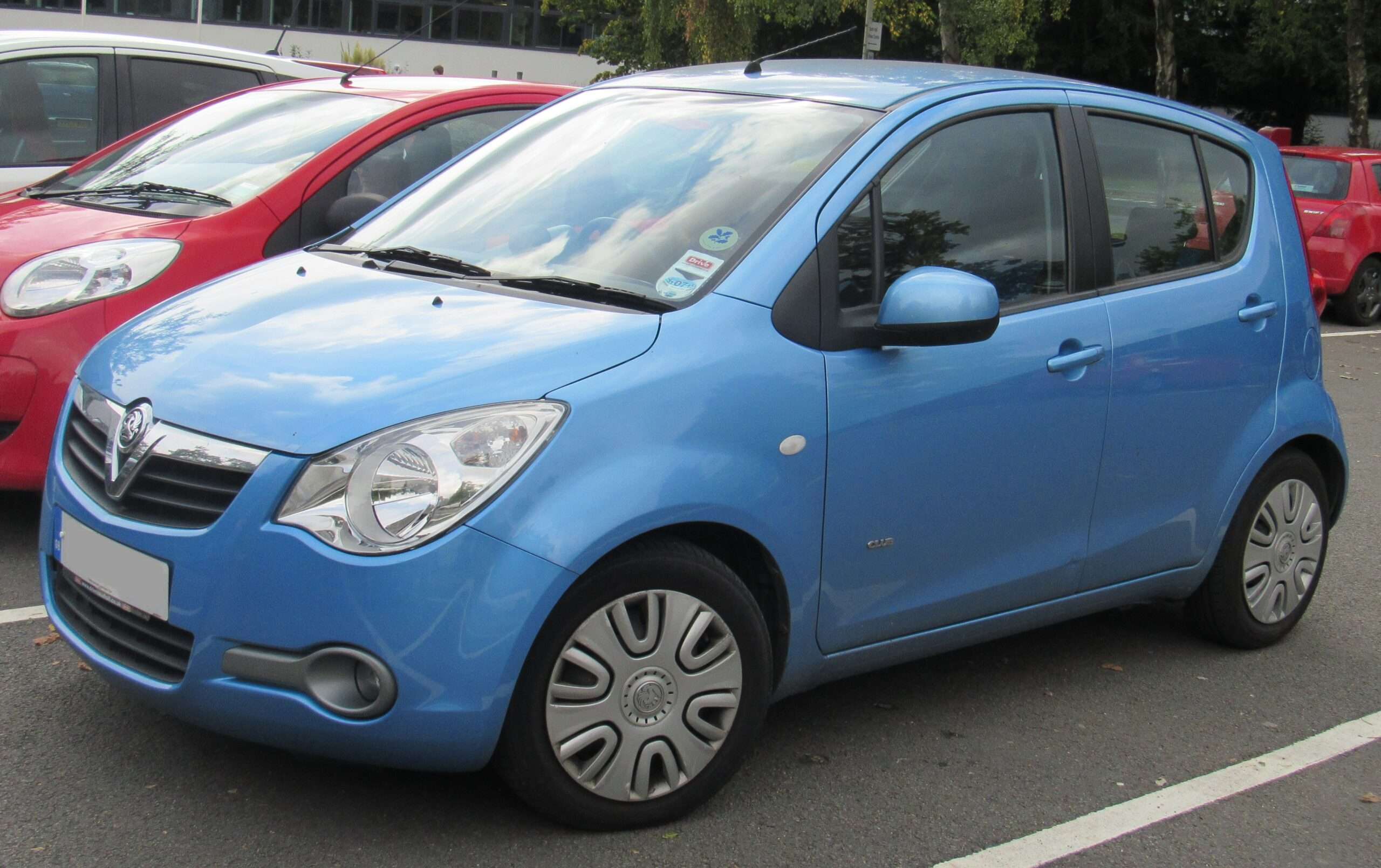
Second generation
Vauxhall Agila B
Steering, ABS and body-electrical diagnostic scope.
Read the Agila B scanner guide →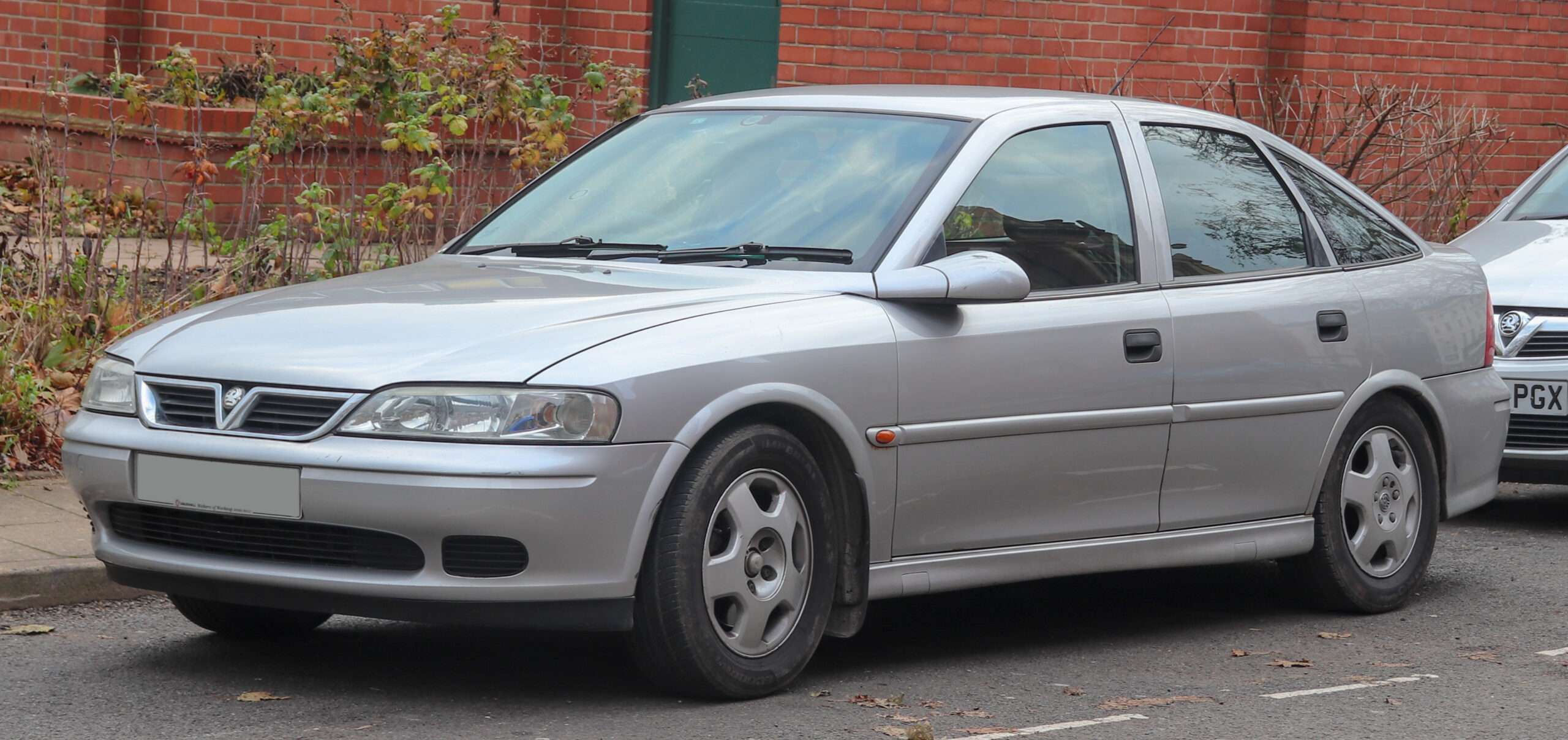
UK factory vehicles
Vauxhall Vectra B
Older OBD2, ABS and the sampled airbag-coverage gap.
Read the Vectra B scanner guide →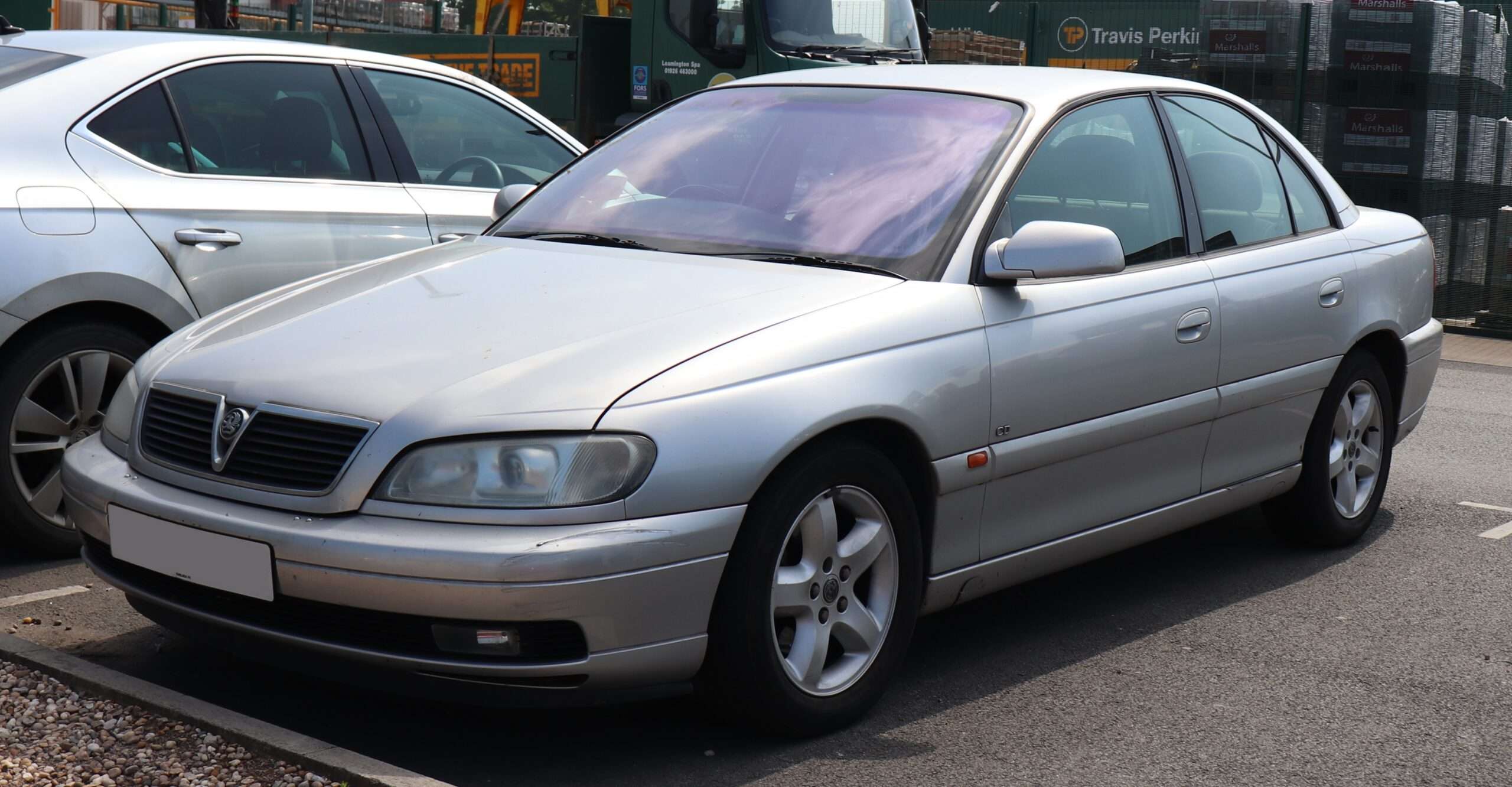
UK saloon and estate
Vauxhall Omega B
ABS, actual automatic gearbox and warning-light questions.
Read the Omega B scanner guide →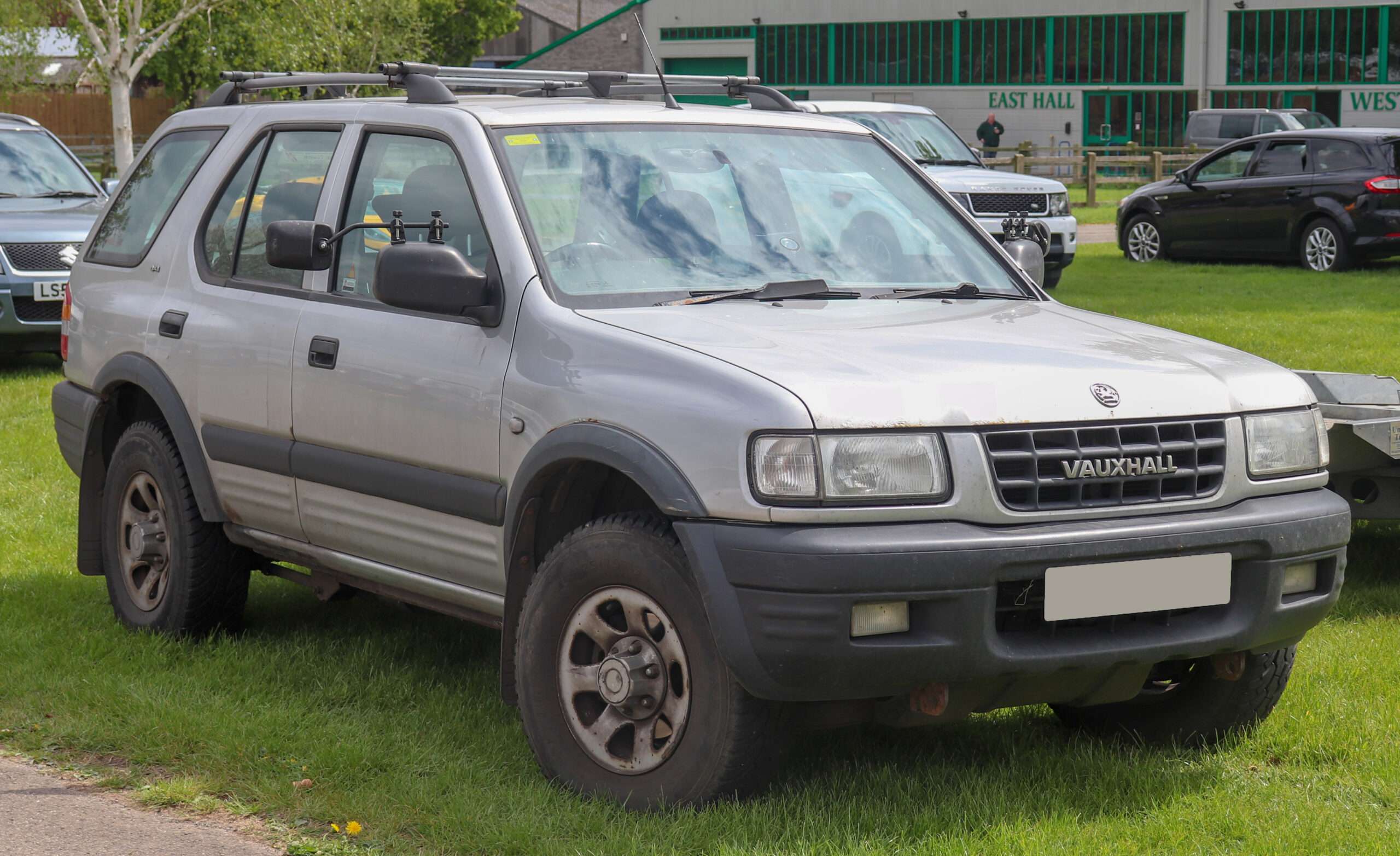
Older UK B generation
Vauxhall Frontera B
Diesel connection limits, ABS and gearbox access.
Read the Frontera B scanner guide →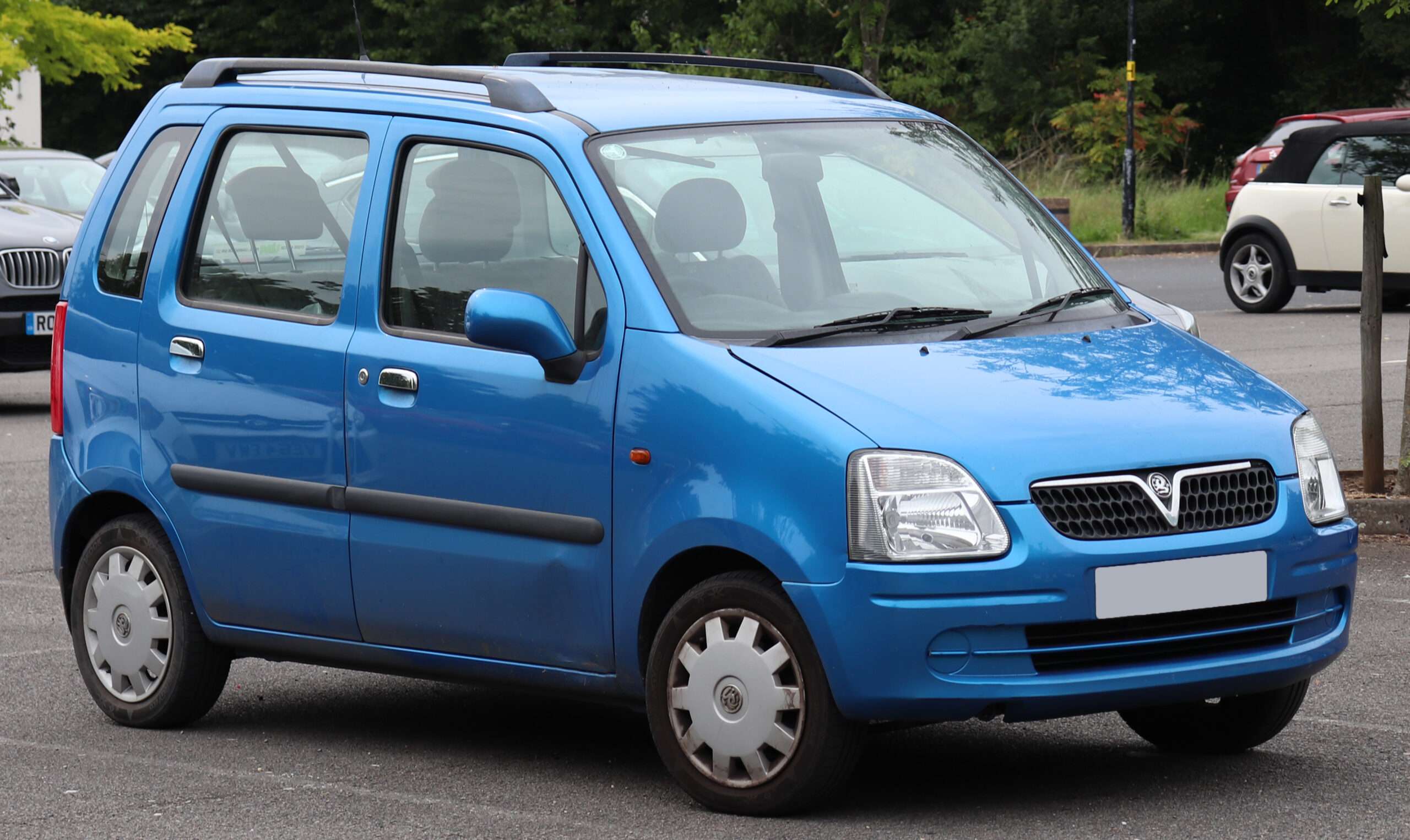
First generation
Vauxhall Agila A
Steering, ABS, airbags and mechanical-noise limits.
Read the Agila A scanner guide →
UK factory C generation
Vauxhall Combo C
Body faults, ABS and steering-controller reading.
Read the Combo C scanner guide →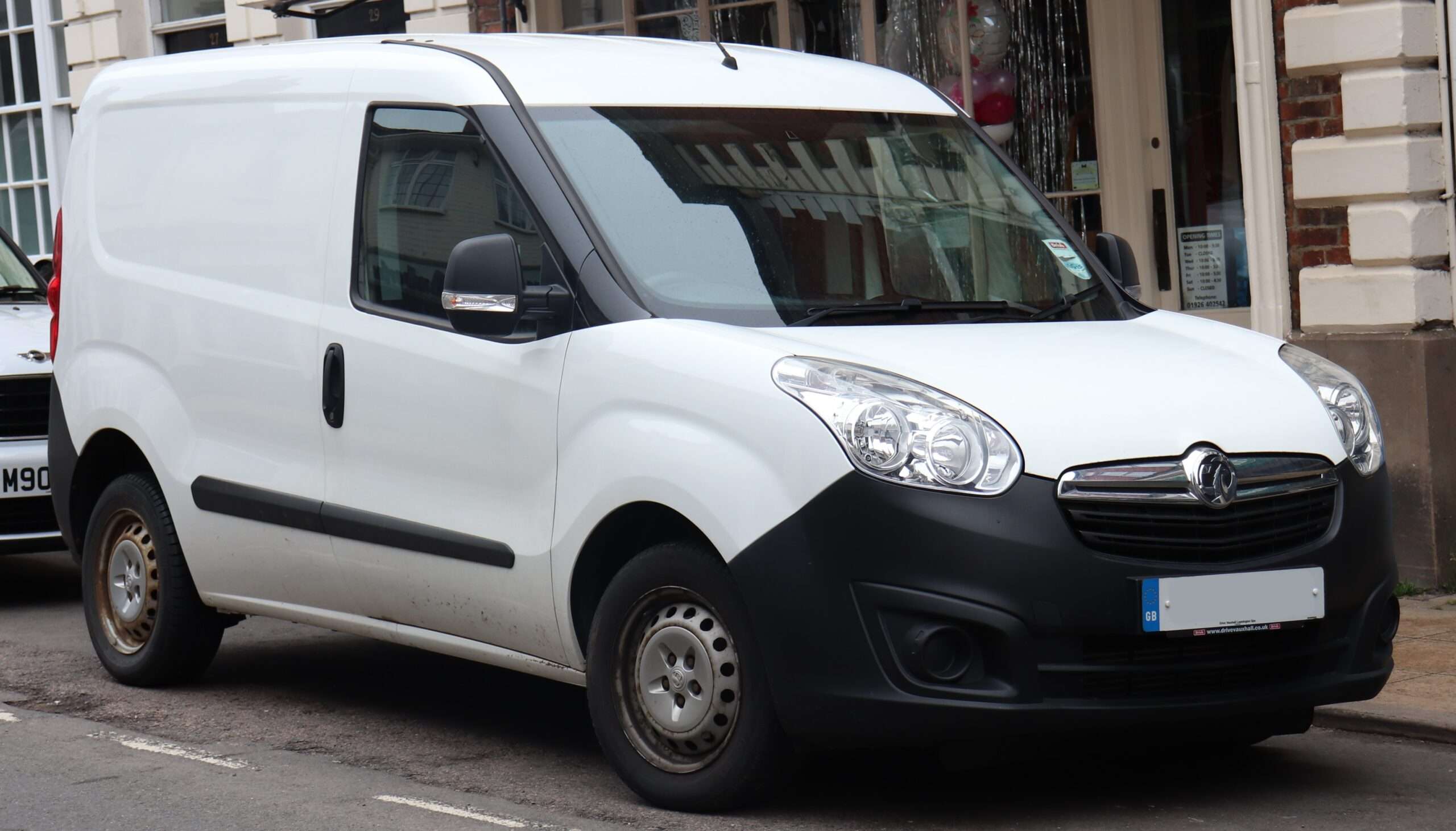
UK factory D generation
Vauxhall Combo D
Blank dashboard, body electronics and ABS access.
Read the Combo D scanner guide →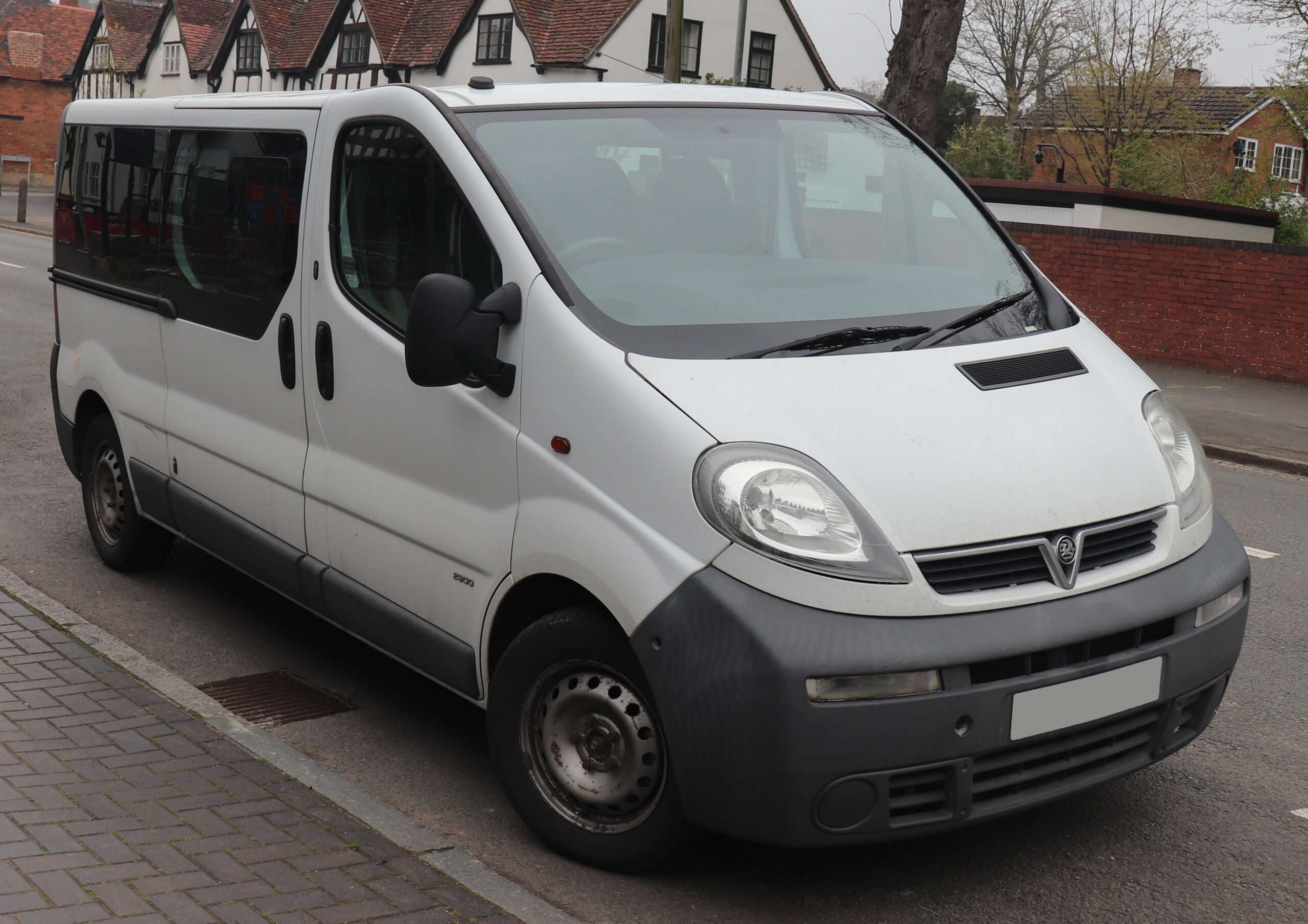
First generation
Vauxhall Vivaro A
Warning-light scan scope, body systems and fitted Tecshift.
Read the Vivaro A scanner guide →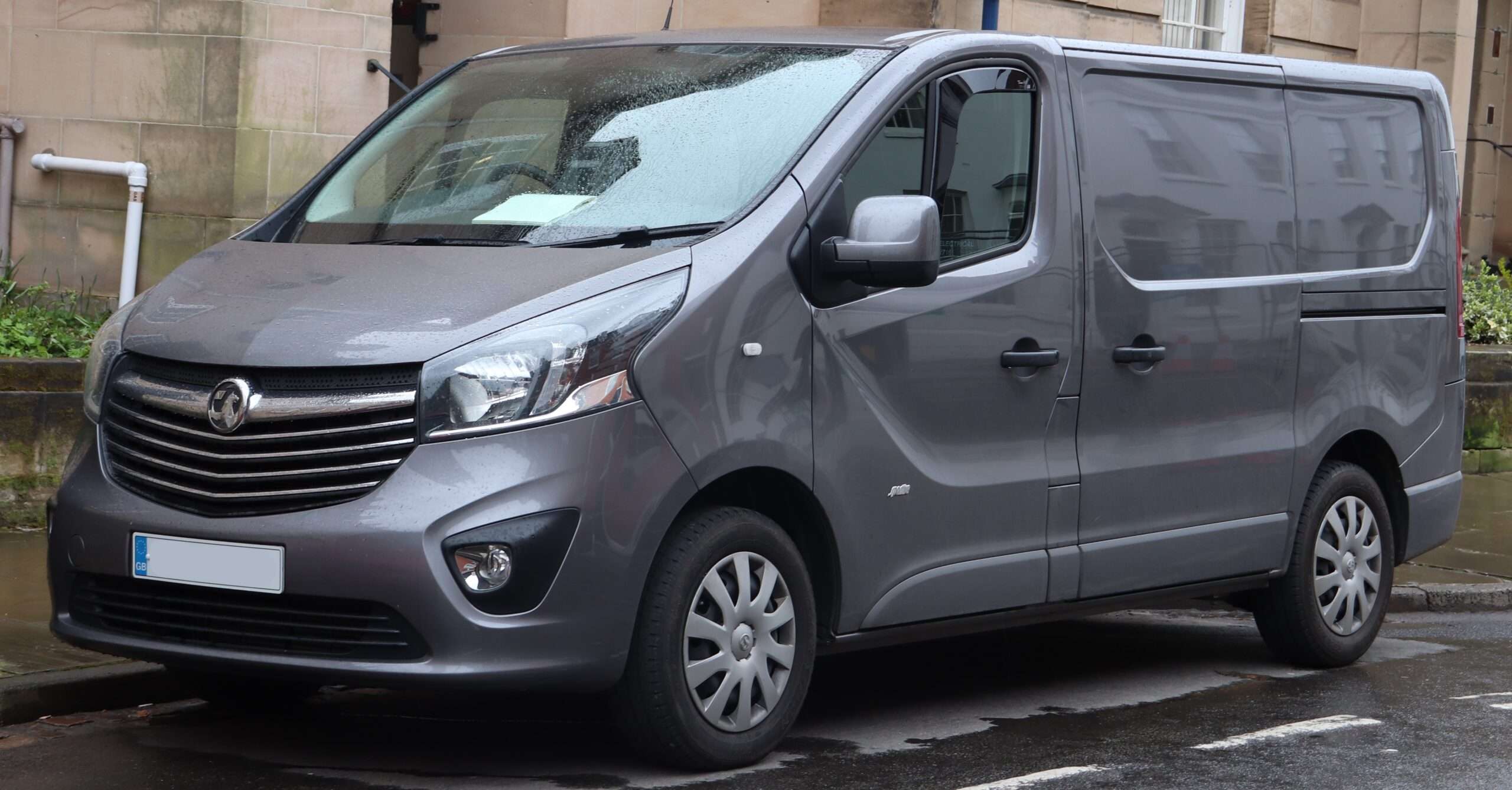
Second generation
Vauxhall Vivaro B
Multiple warnings, ABS and interpretation of injection reports.
Read the Vivaro B scanner guide →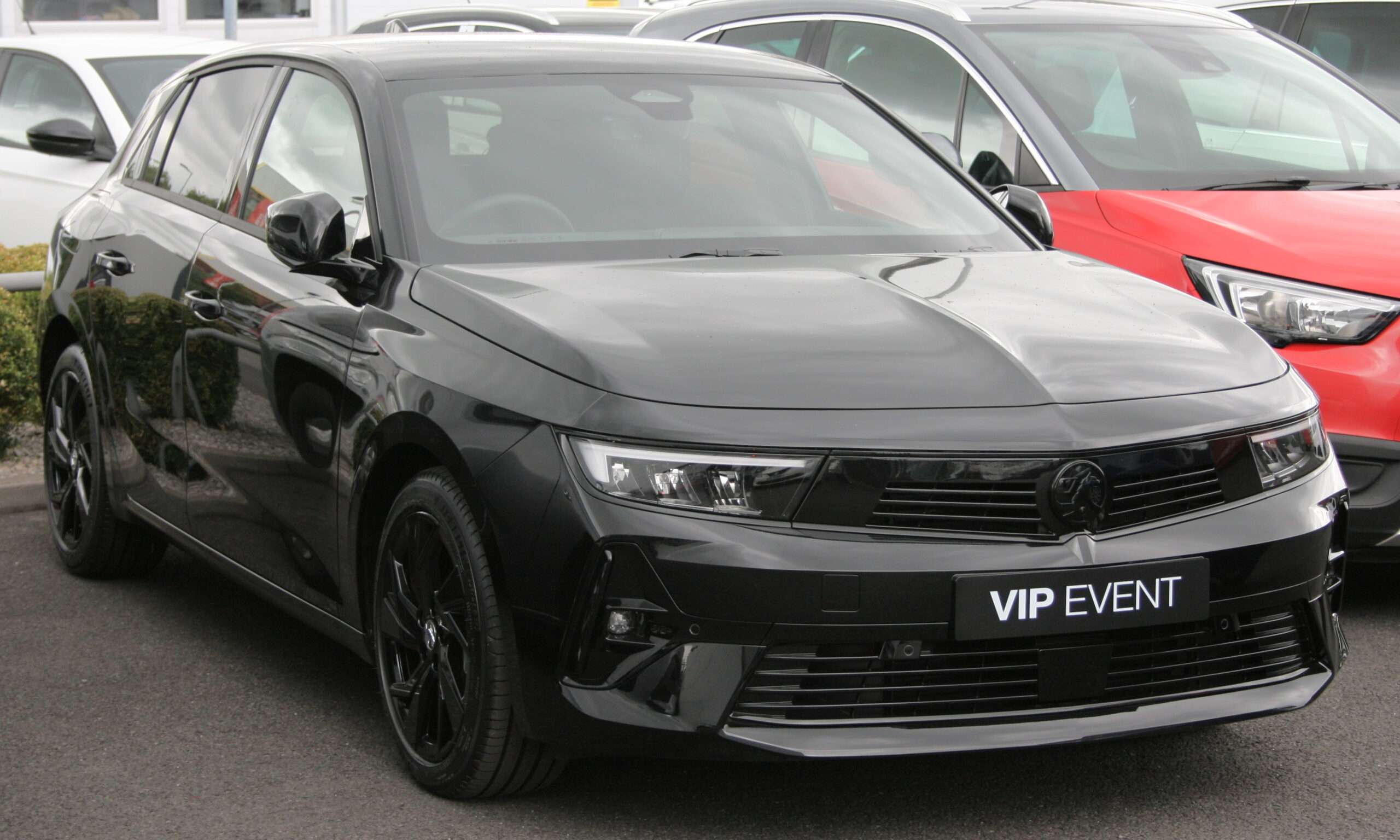
Mk8 petrol and diesel
Vauxhall Astra L
PSA-era ABS, airbags and body-controller coverage.
Read the Astra L scanner guide →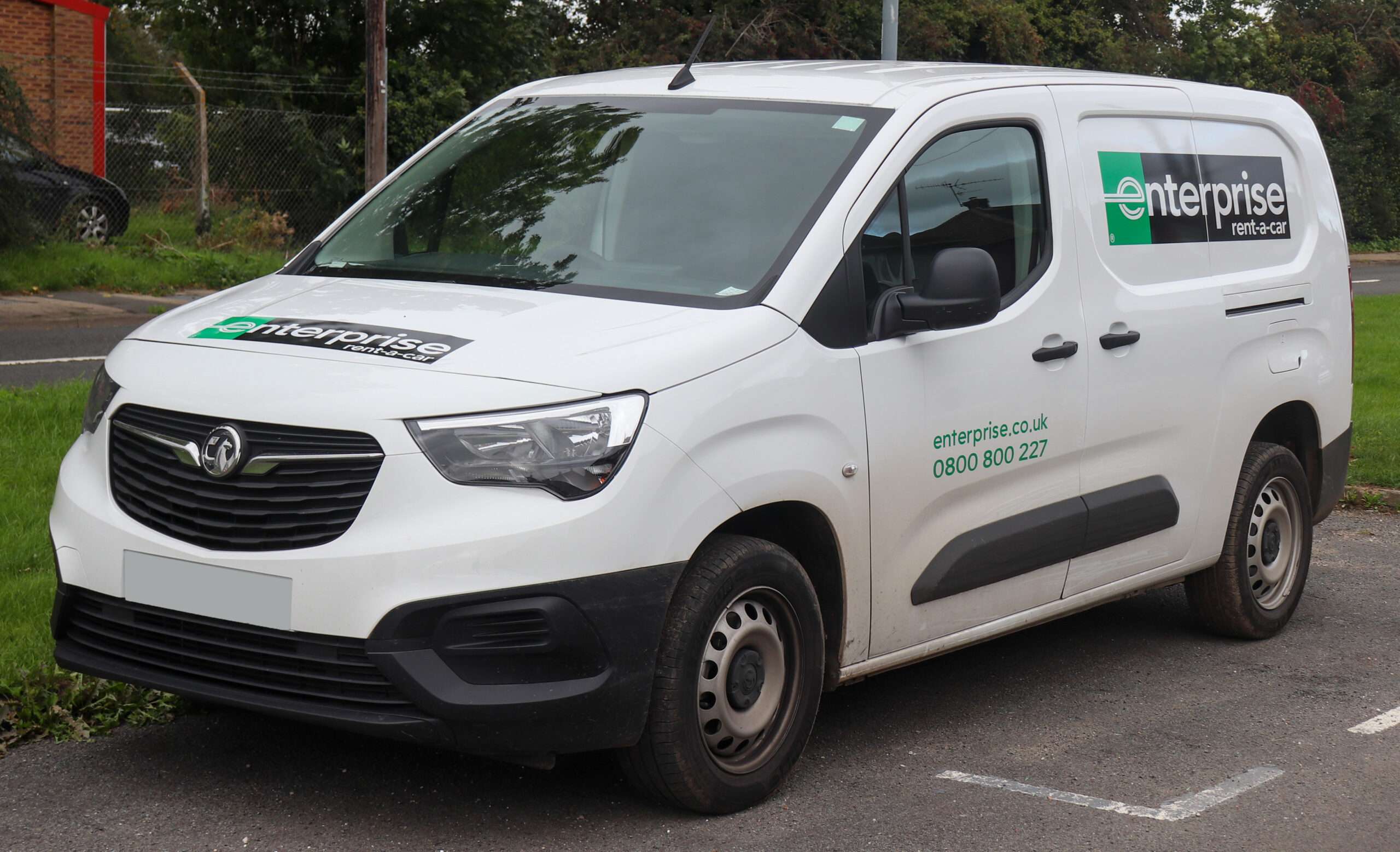
Generation E Cargo and Life, combustion
Vauxhall Combo E
Gear-selector questions, ABS and body diagnostics.
Read the Combo E scanner guide →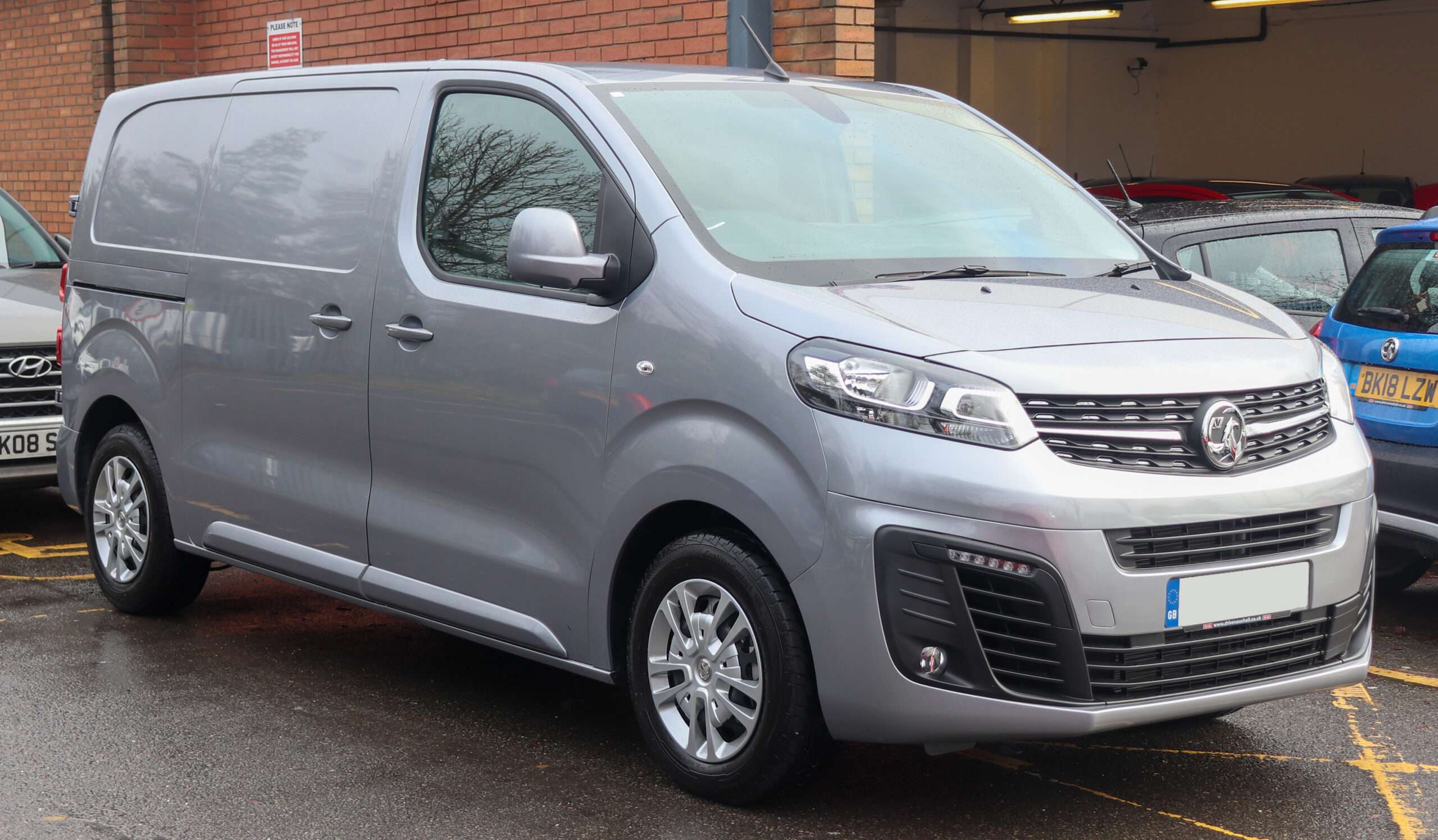
Third-generation diesel
Vauxhall Vivaro C
Stop-start questions, battery status and PSA-era diagnostics.
Read the Vivaro C scanner guide →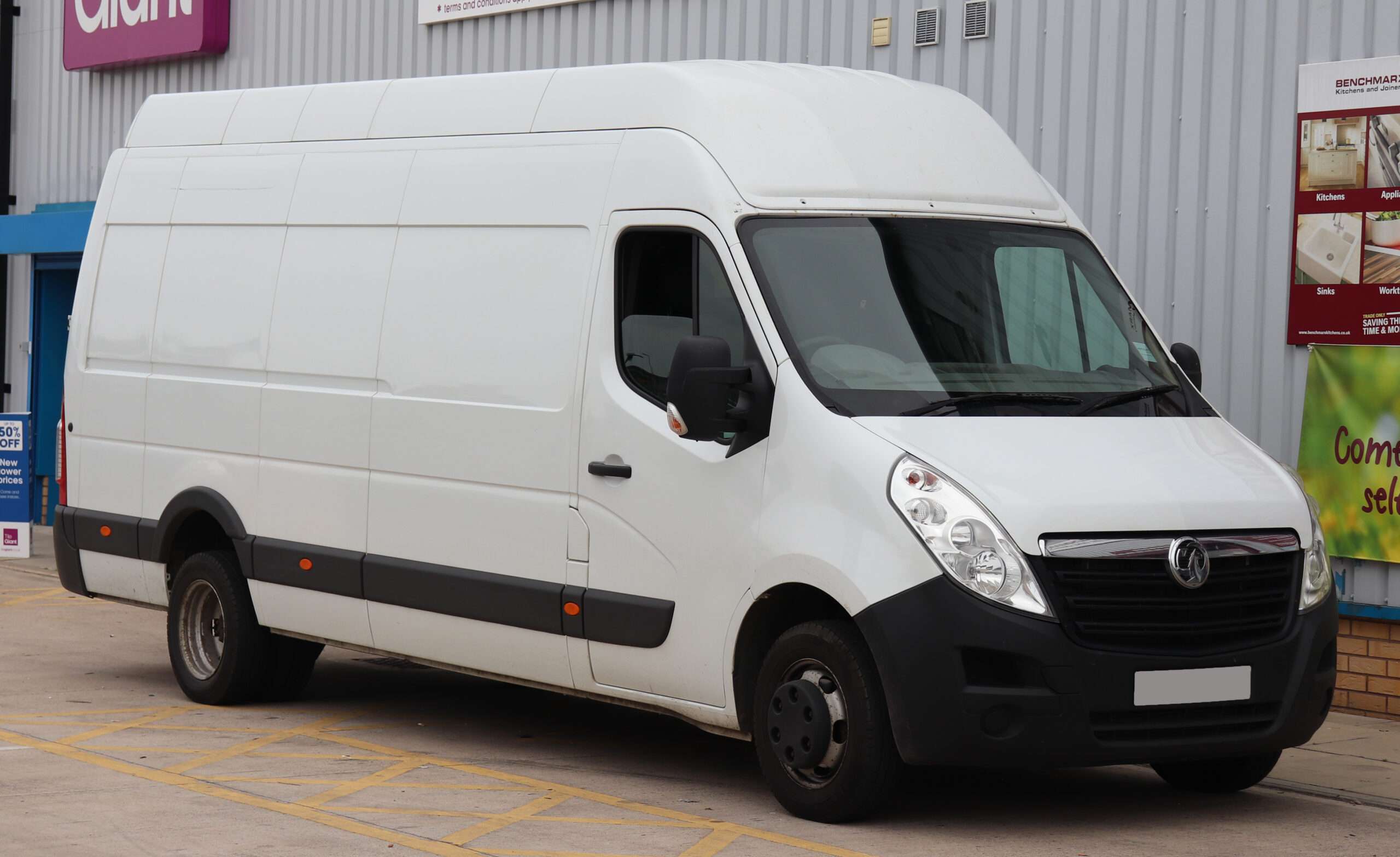
Second-generation Movano
Vauxhall Movano B
ABS, gearbox messages and separate controller access.
Read the Movano B scanner guide →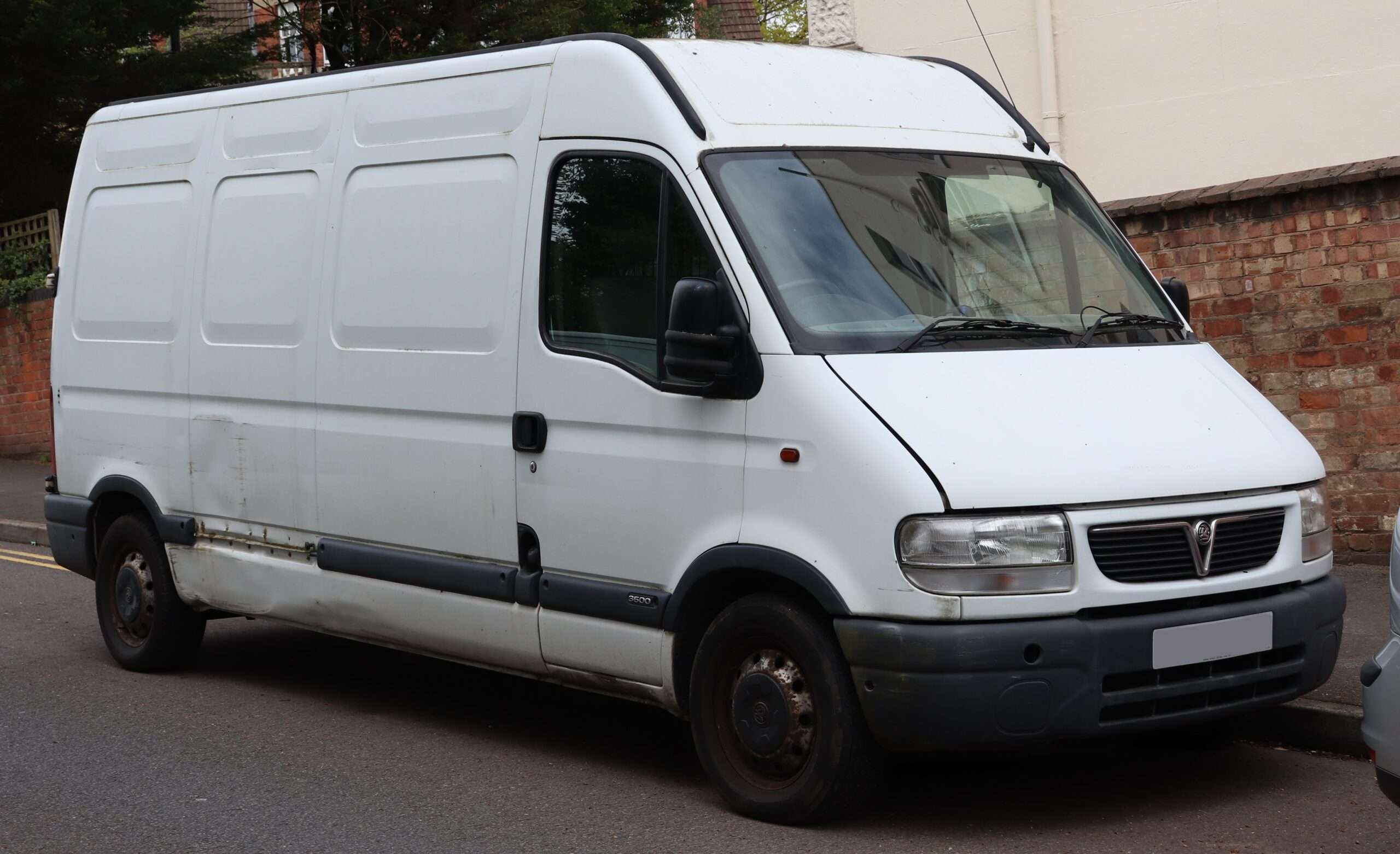
First-generation Movano
Vauxhall Movano A
Older diesel connections and important engine-coverage gaps.
Read the Movano A scanner guide →
First-generation Corsa
Vauxhall Corsa B
Older ECU access, steering and sampled ABS/SRS limits.
Read the Corsa B scanner guide →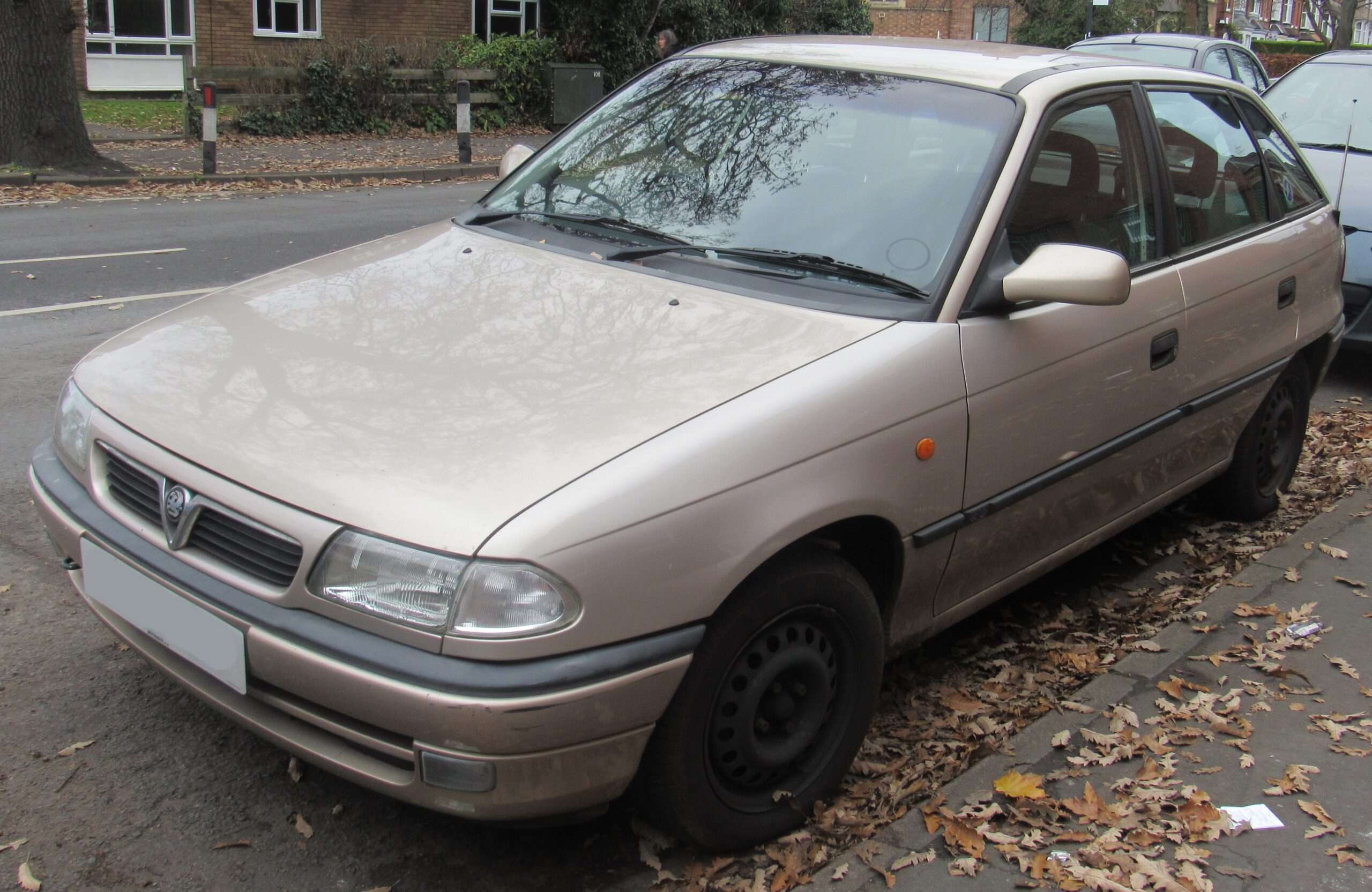
Astra Mk3
Vauxhall Astra F
Older engine access, loss of power and OBD2 limits.
Read the Astra F scanner guide →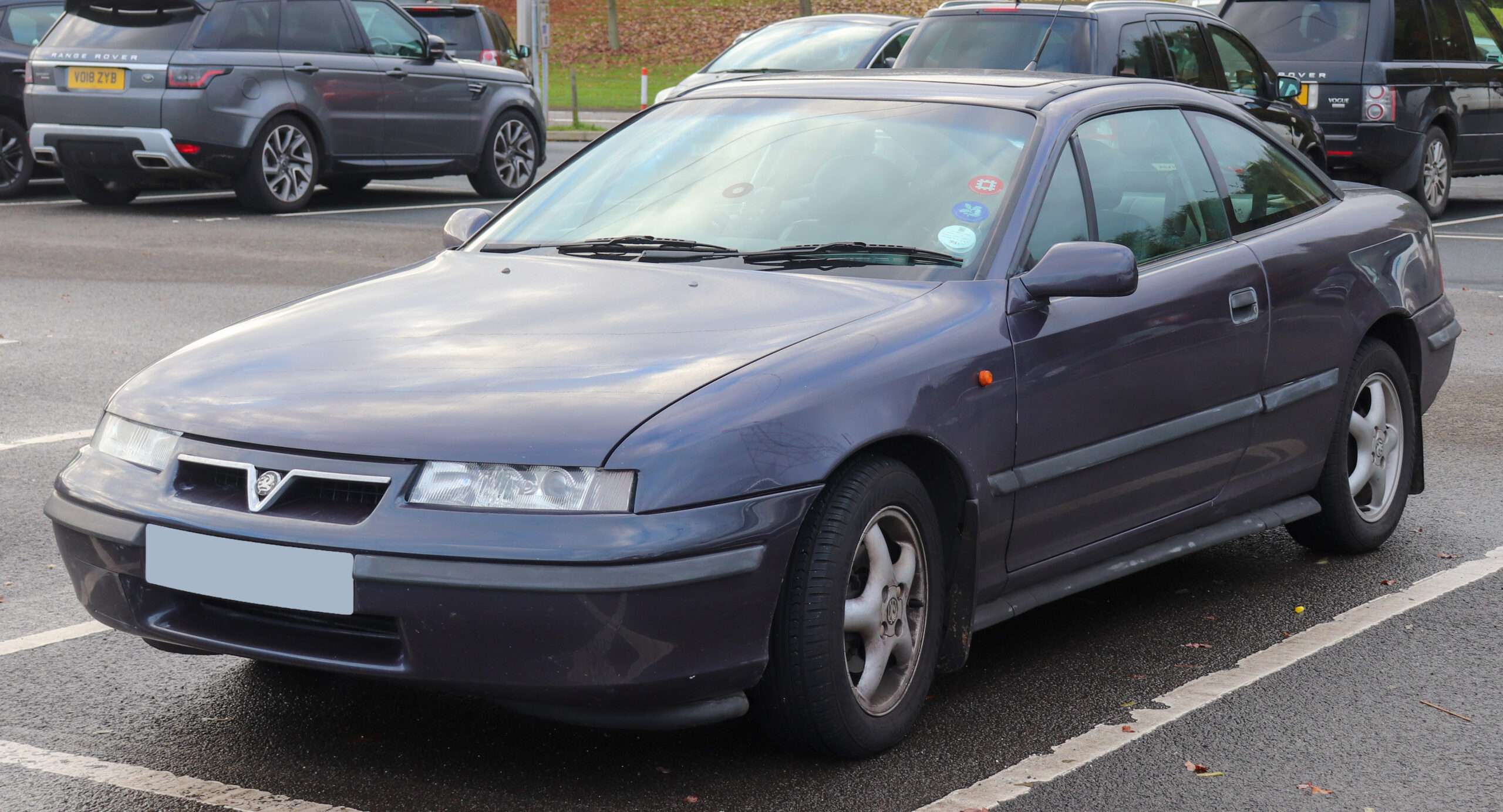
Factory Calibra variants
Vauxhall Calibra
Exact engine/ECU checks and limits for ABS and other systems.
Read the Calibra scanner guide →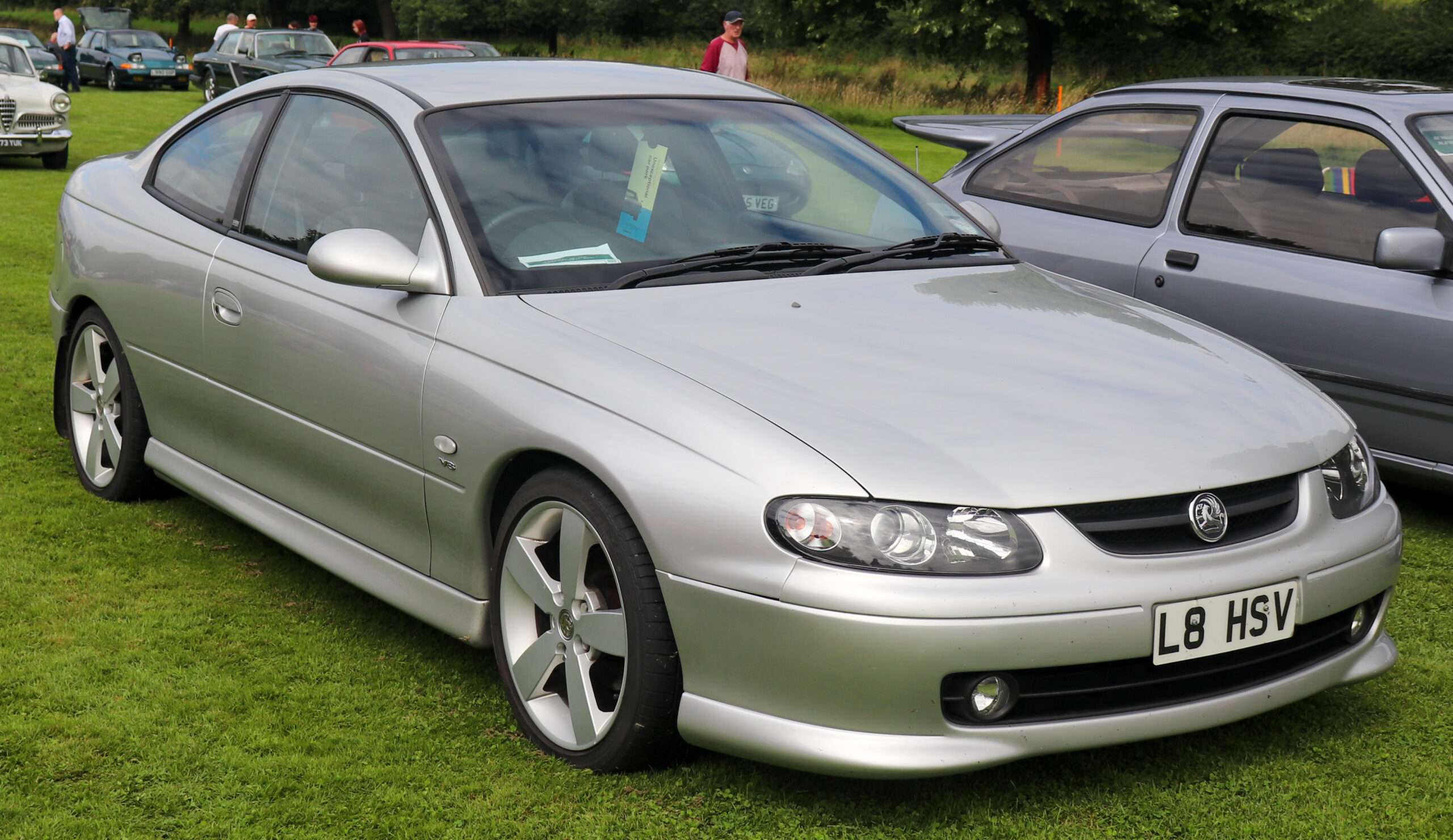
UK Monaro coupe
Vauxhall Monaro
Dedicated Monaro ABS/ETC, body and powertrain-interface coverage.
Read the Monaro scanner guide →
UK VXR8; exact build required
Vauxhall VXR8
ABS, traction control and dedicated body-module coverage.
Read the VXR8 scanner guide →Third-generation diesel, late 2021 onward
Vauxhall Movano C diesel
Separate the newer van from Movano A/B, identify the required controller and understand unresolved exact-build coverage.
Read the Movano C diesel scanner guide →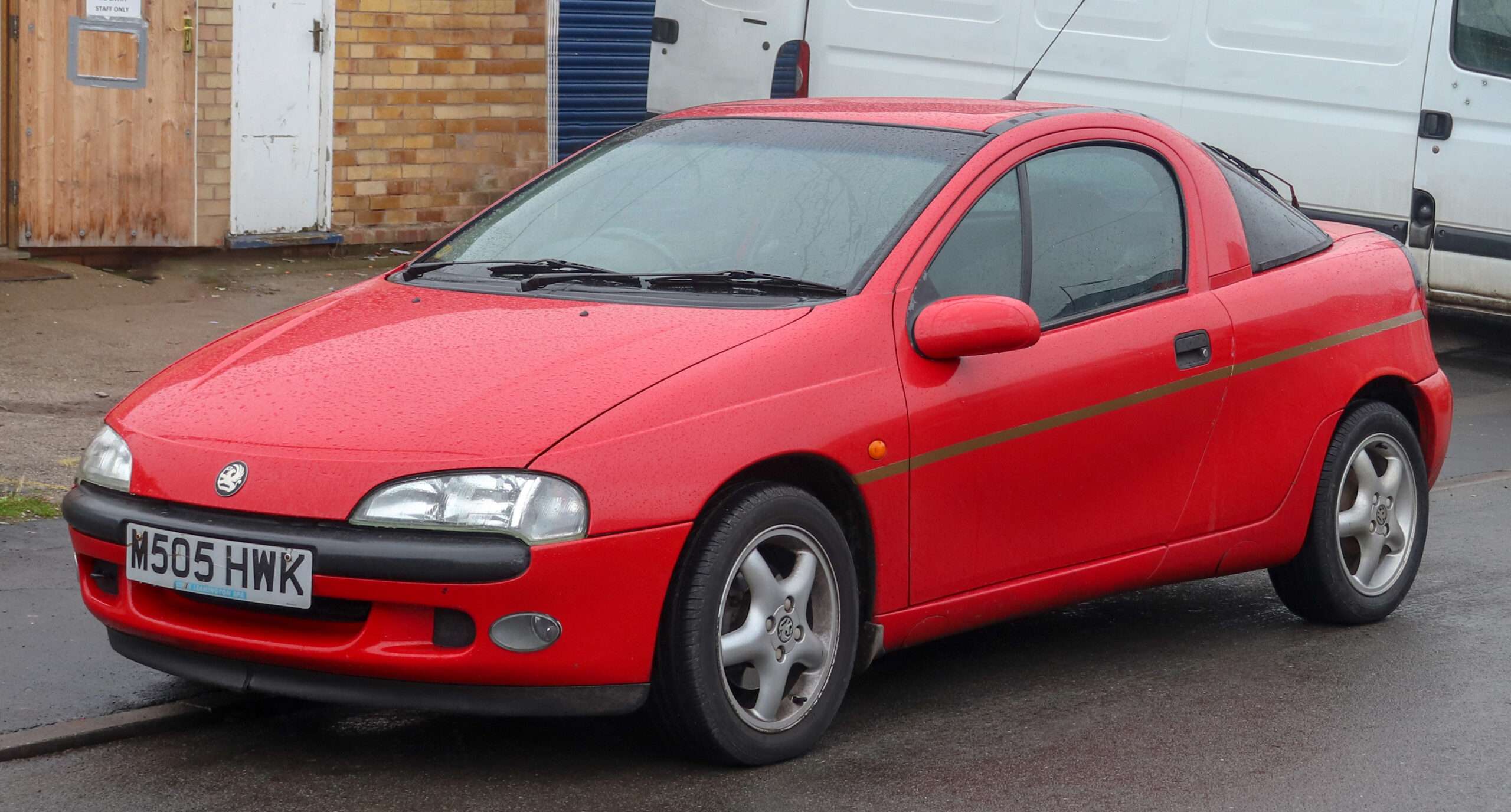
First-generation petrol coupé
Vauxhall Tigra A
Check older engine diagnostics and the limits of ABS and airbag coverage.
Read the Tigra A scanner guide →Photo: Vauxford, CC BY-SA 4.0. Resized for display.
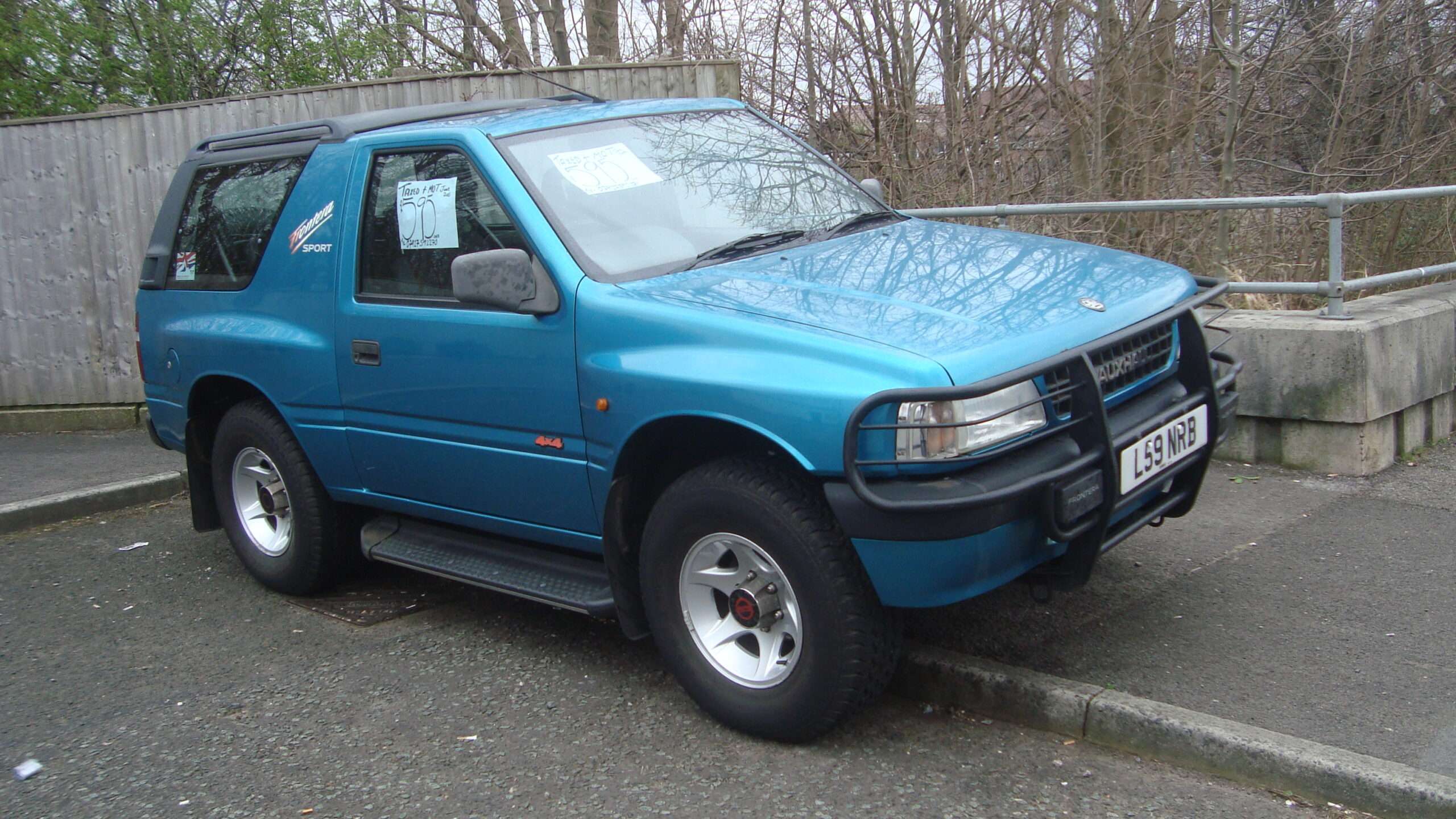
First-generation petrol and diesel
Vauxhall Frontera A
Identify the engine and diagnostic socket, with particular care over diesel and restraint-system coverage.
Read the Frontera A scanner guide →Photo: Kieran White, CC BY 2.0. Resized for display.
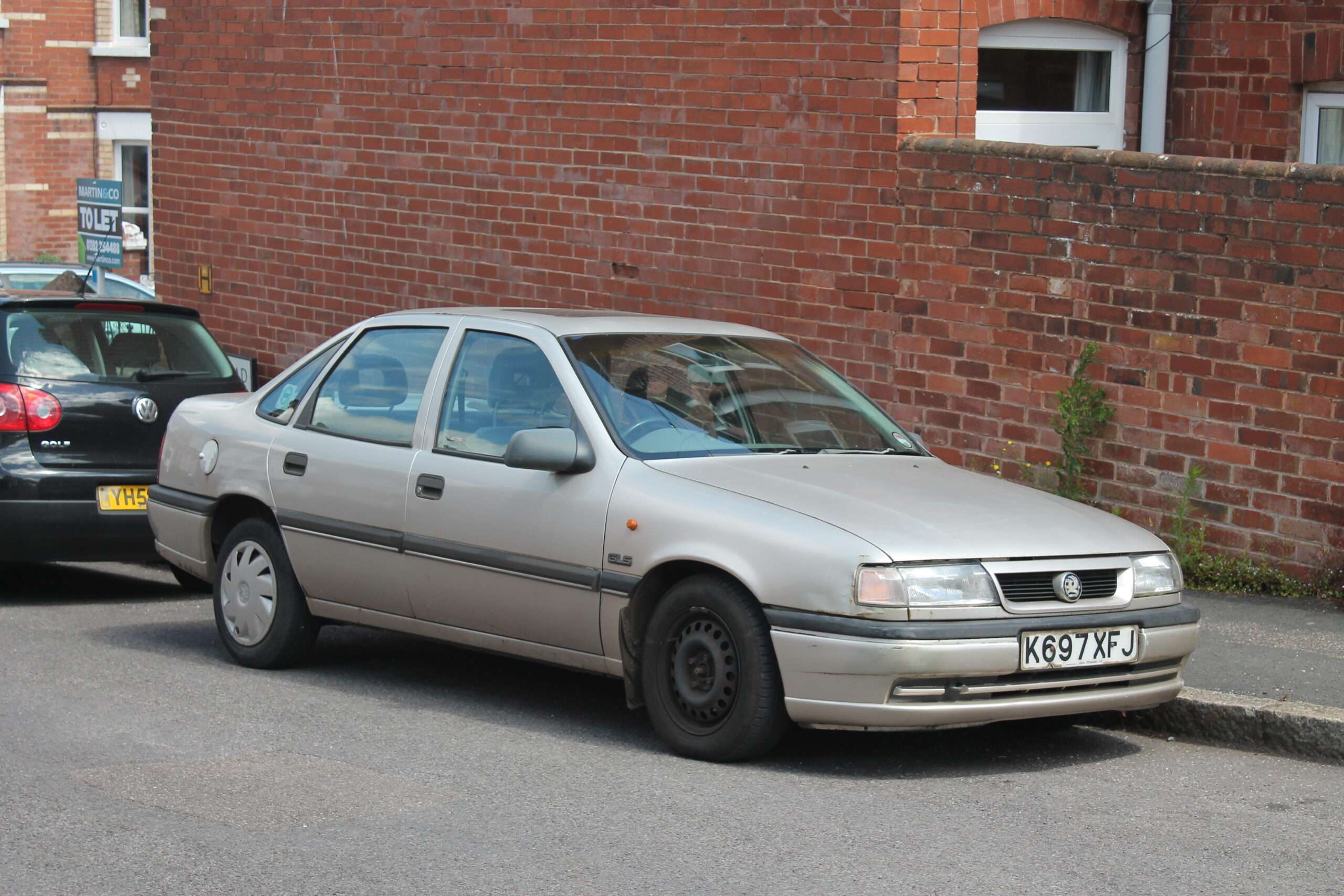
Factory petrol and diesel models
Vauxhall Cavalier Mk3
Understand older ECU access, Vectra A listings and why a modern OBD2 reader may be insufficient.
Read the Cavalier Mk3 scanner guide →Photo: Charlie / charlie cars, CC BY 2.0. Resized for display.
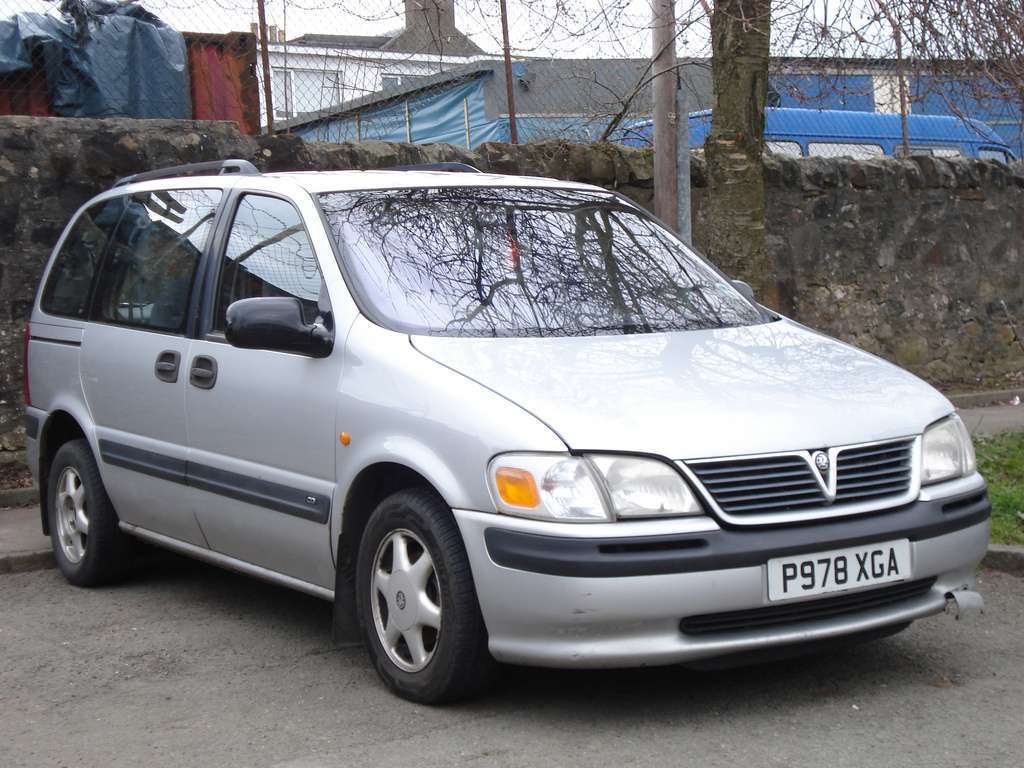
Factory petrol and diesel models
Vauxhall Sintra
Separate supported engine and body access from unresolved ABS and airbag coverage.
Read the Sintra scanner guide →Photo: Daniel Games DG, CC BY-SA 4.0. Resized for display.
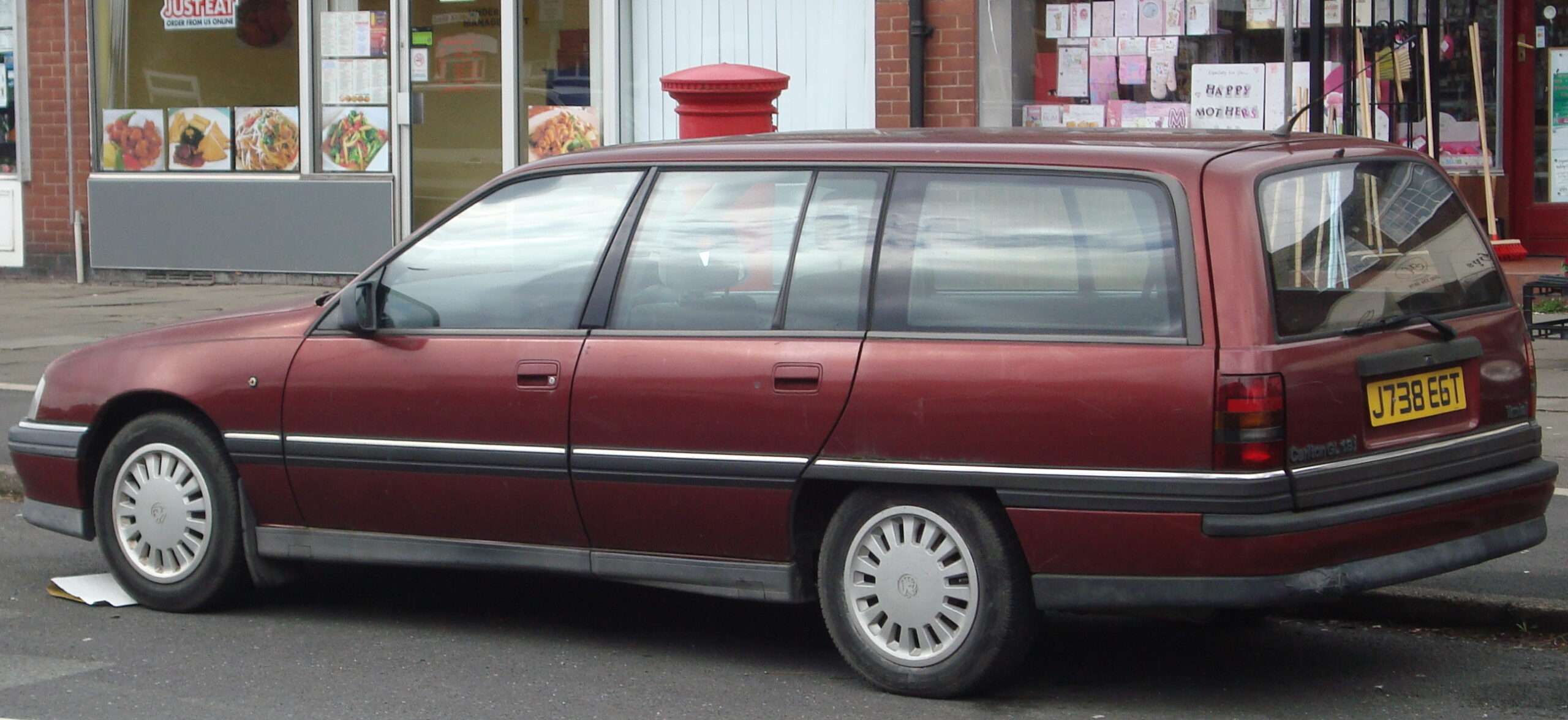
Standard models, excluding Lotus Carlton
Vauxhall Carlton / Omega A
Check older engine-controller access and the evidence required for ABS diagnostics.
Read the Carlton / Omega A scanner guide →Photo: Kieran White, CC BY 2.0. Resized for display.
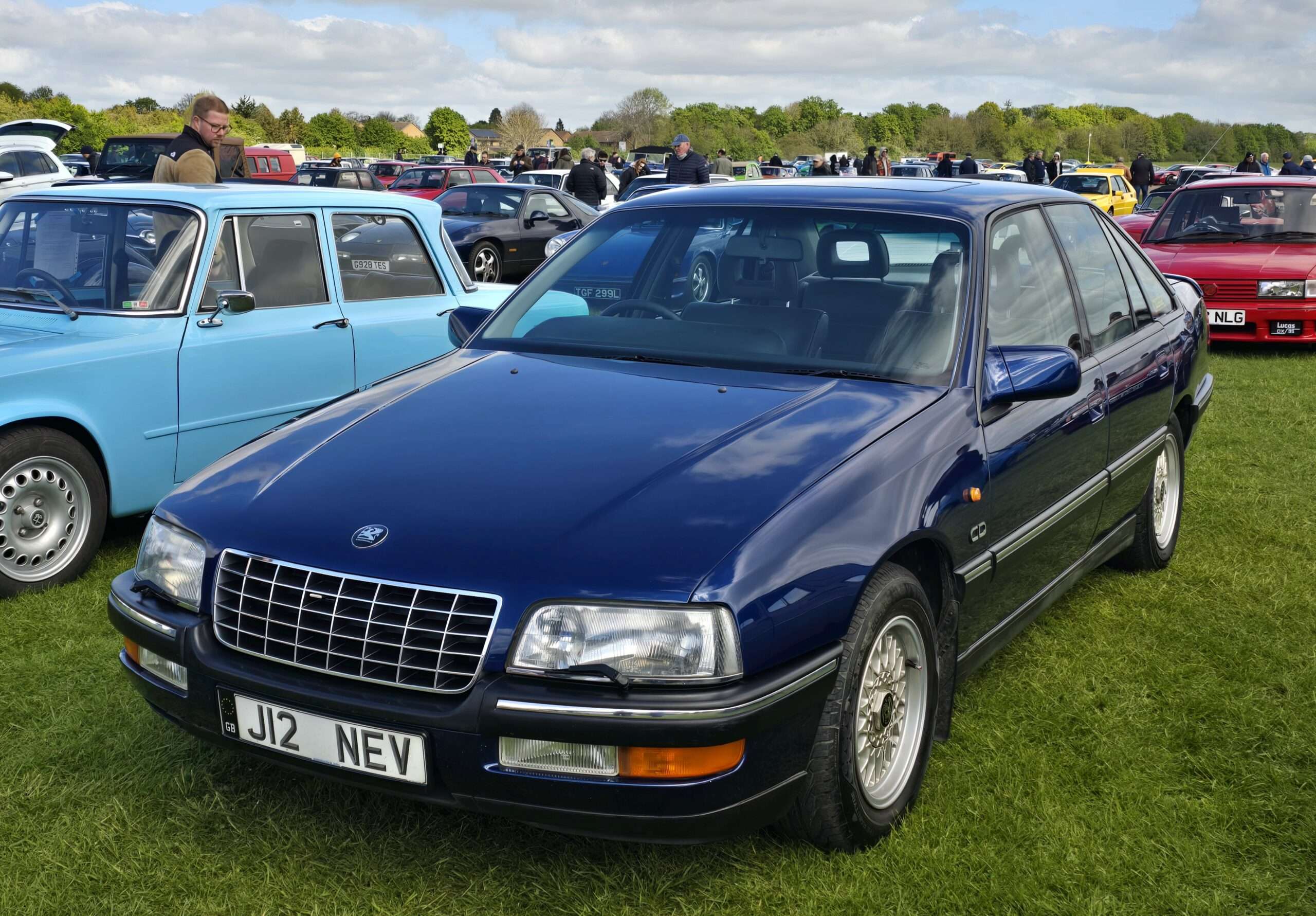
Factory petrol and automatic models
Vauxhall Senator B
Explore legacy engine and automatic gearbox reading, with exact-build coverage checks.
Read the Senator B scanner guide →Photo: Calreyn88, CC BY-SA 4.0. Resized for display.
Warning messages, fault reports and scanner comparisons: 9 articles
Understand what the dashboard is telling you, why an engine-only scan can be incomplete, and how to choose a supported diagnostic route. Message meanings and coverage depend on the exact model and build.
- Dashboard message numbers versus OBD2 fault codes
- Mokka Code 89: Service Vehicle Soon
- Astra J Service Vehicle Soon with no codes
- Insignia A Service Vehicle Soon and scan scope
- Meriva B Code 68 power-steering warning
- Corsa D steering warning with no engine codes
- Code 95: Service Airbag
- Vivaro B Check Injection and anti-pollution warnings
- OP-COM vs VAUX-COM vs iCarsoft
Generic OBD2 or Vauxhall-aware diagnostics?
A reputable generic EOBD or OBD2 reader can provide supported emissions-related engine codes and live data. It does not establish access to separate ABS, airbag, body or transmission controllers. For those systems, confirm manufacturer-aware coverage for the exact vehicle and function.
Before buying a Vauxhall scanner
Identify the generation, build year, engine, gearbox and fitted equipment. Check the required module and requested information separately. iCarsoft OP V3.0 is one documented handheld route considered in these guides; genuine licensed VAUX-COM is a Windows route to investigate with a supported supplier. Neither should be treated as universal coverage.
Exact functions can vary by vehicle build, module, software, interface and tool version. A model menu or broad brand claim is not proof of every function. Save diagnostic information before clearing anything; a code is evidence to investigate, not a parts order.
About these guides
The articles use manufacturer documentation, compatibility information, reputable supplier evidence and attributed owner questions. Unusual Cars has not independently tested the vehicles or tools. Coding, security access, key programming and unsupported active-test or service-function claims are outside these guides.
Vauxhall logo: Vauxhall, via Wikimedia Commons. Commons identifies the source logo as public domain; trademark rights are retained. WebP rendering, resized for display. Used to identify independent guides; no manufacturer affiliation is implied.
Reviewed 12 November 2026.
Original 45 vehicle card photographs: Mokka B by GoBoom4499, CC BY 4.0. Astra L by DieselFordMondeo, CC BY-SA 4.0. Other card photographs: Astra K, Astra G and Agila B by Makizox; Zafira B by Astraalarm1999; Astra H, Insignia A and Meriva A by Calreyn88; Zafira A by Astraboy1999; the remaining vehicle photographs by Vauxford. CC BY-SA 4.0, via Wikimedia Commons. Resized and cropped for the cards; source links and full credits are provided in each linked guide.